Sorting Race
Six sorting algorithms race side by side on the same data — one operation per tick, medals at the finish
.zip · HTML / CSS / JS · v1.0.0
Free — no account, no email. Always the newest version.
Live preview
About
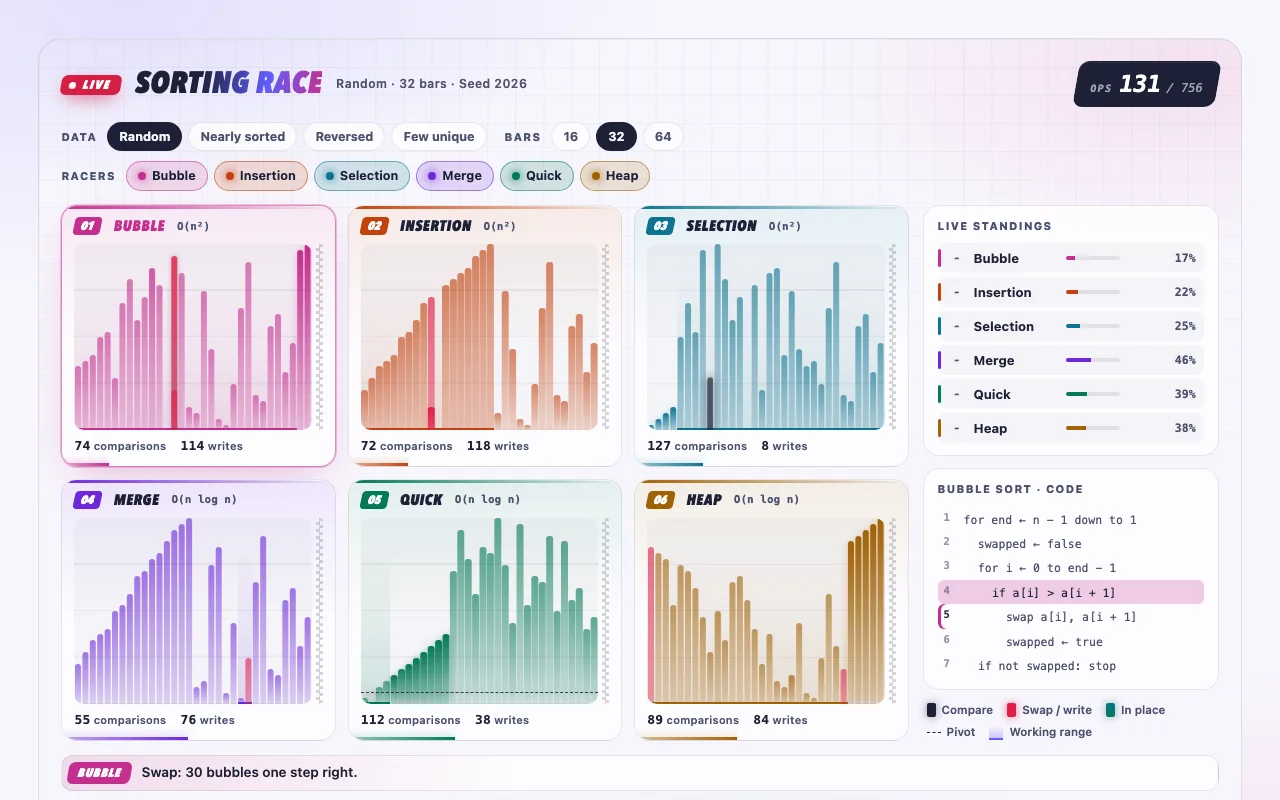
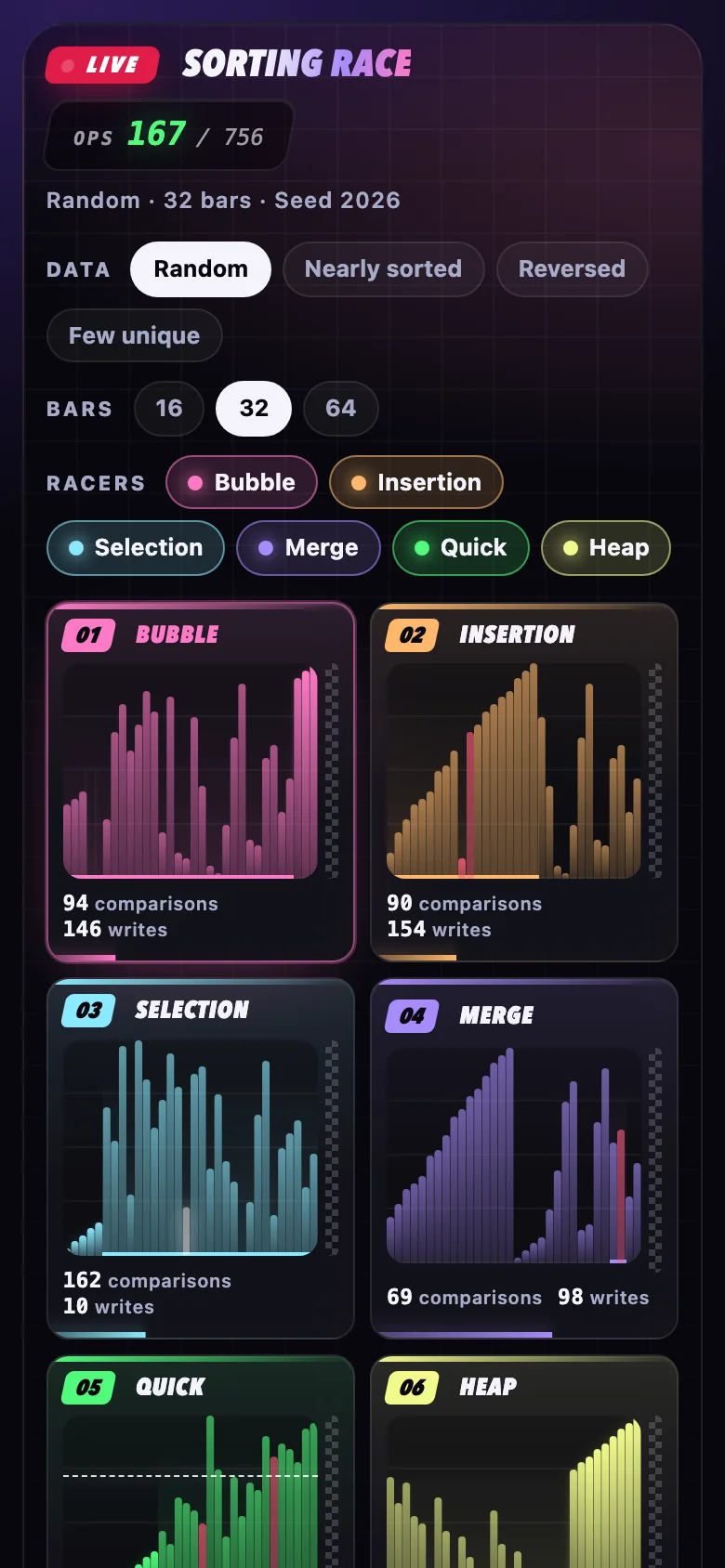
Which sort is fastest? Let them race. Six classic algorithms get the very same shuffled bars and set off together. Every tick, each lane makes exactly one move — a comparison, a swap or a write — so what you watch is the real operation count. On shuffled data merge sort usually takes gold with quick and heap sort close behind; switch to "nearly sorted" and insertion sort storms past them all, while bubble sort is still grinding when the podium is full.
It looks like a sports broadcast in neon: a live scorebug and clock, lanes in team colours, bars that pulse when compared and slide when swapped, medals as each racer crosses the line, standings that reshuffle, and a winner banner with confetti — "Merge sort wins! 2.7× fewer operations than Bubble sort". Made for lessons, slides, blog posts and videos.
- Four scenarios — random, nearly sorted, reversed, few unique — show where each algorithm shines or struggles
- 16, 32 or 64 bars; a seed makes every race repeatable, "New data" draws the next one
- Click a lane to follow its pseudocode, line by line, with a caption that says what just happened
- Play, pause, step, scrub and change speed — one player drives every lane
- Every colour, font, size and timing is a CSS custom property
- Nothing to install: one CSS file and one script, or one React component
Features
- Bubble, insertion, selection, merge, quick and heap sort race on the same shuffled values
- Fair by design: every lane makes one comparison, swap or write per tick, so the finish order is the real operation count
- Live counters, progress and standings; gold, silver and bronze medals and a winner banner at the finish
- Four scenarios (random, nearly sorted, reversed, few unique), 16 / 32 / 64 bars and a seeded “New data” button
- Pick the racers; click a lane to follow its pseudocode line by line with a plain-English caption
- One player drives every lane: play, pause, step, scrub, 0.5×–4× speed, optional loop
- Plain HTML/CSS/JS and React (Next.js ready) builds, light and dark
- Zero dependencies, under 18 KB gzipped
How to use it
Link the stylesheet and the script once, then add an element with data-sorting-race:
<link rel="stylesheet" href="sorting-race.css" />
<script src="sorting-race.js" defer></script>

<div class="sorting-race" data-sorting-race></div>

<div class="sorting-race" data-sorting-race
     data-scenario="reversed" data-size="16" data-lanes="bubble,insertion,quick"
     data-seed="4821" data-speed="0.5"></div>
Options as data attributes: data-scenario (random, nearly-sorted, reversed,
few-unique; default random), data-size (16, 32, 64; default 32), data-lanes
(any of bubble, insertion, selection, merge, quick, heap, separated by commas or
spaces; default all six), data-seed (1–99999; the same seed gives the same data), data-speed
(0.5, 1, 2, 4), data-loop (a flag: start over after the finish) and data-autoplay
(on by default, never with reduced motion; data-autoplay="false" waits for Play). Whatever is
inside the element shows until the script builds the race.
Races added after the page loads: SortingRace.init(container) — it returns a function that
undoes it. SortingRace.get(element) returns a race's handle: play(), pause(), toggle(),
stepForward(), stepBack(), seek(tick), reset(), newData(seed?), state() and destroy().
SortingRace.createSortingRace(element, options) builds one directly; its options also take
texts, to translate the controls ({ play: "Chạy", pause: "Dừng", … }).
Copy SortingRace.tsx, sorting-race.css and the core folder into your project:
import { SortingRace } from "./SortingRace";

<SortingRace />
<SortingRace autoplay={false} scenario="nearly-sorted" size={64} lanes={["insertion", "merge", "quick"]} seed={7} speed={2} loop />
<SortingRace onReady={(race) => (raceRef.current = race)} texts={{ play: "Chạy" }} />
The props are the options above (lanes is an array); a changed prop builds the race again.
onReady hands you the same handle as SortingRace.get. Other <div> props (className,
id, aria-*, style) go to the container. React 18 or 19.
The component starts with "use client", so use it from any page or server component. With the
App Router nothing else is needed. With the Pages Router, move the CSS import into pages/_app.
Set these on .sorting-race (or a class of your own):
| Property | What it changes |
|---|---|
--race-bubble, --race-insertion, --race-selection, --race-merge, --race-quick, --race-heap |
Each racer's colour |
--race-compare, --race-swap, --race-pivot |
Bars being compared, bars being swapped or written, the pivot line |
--race-gold, --race-silver, --race-bronze |
The medals |
--race-bg, --race-surface, --race-surface-strong, --race-border |
Background, glass panels, borders |
--race-text, --race-muted, --race-accent, --race-accent-2, --race-ring, --race-live |
Text, accents, focus ring, the live badge |
--race-radius, --race-lane-radius |
Corners of the race and of each lane |
--race-track-height, --race-bar-gap |
Height of the bars' track, gap between bars (share of a bar's width) |
--race-font, --race-font-display, --race-font-mono |
Body, headline and number fonts |
--race-duration, --race-ease |
Longest a bar takes to slide (it never outlasts one tick), and its easing |
Colours use light-dark(): they follow color-scheme on your page. Below 560px wide the lanes
go two to a row and get compact. With prefers-reduced-motion, nothing tweens and nothing
autoplays; stepping works as usual.
Ask about this product
Not sure it fits your project? Ask — the answer comes from this page.
Changelog
1.0.0First releaseLatest
Plain HTML/CSS/JS and React builds: six sorting algorithms race one operation per tick on the same seeded data, with live counters, medals, standings, pseudocode and a full player.
- Fixes and new features land behind the same download, which always serves the latest version.
You might also like
- AnimationSorting
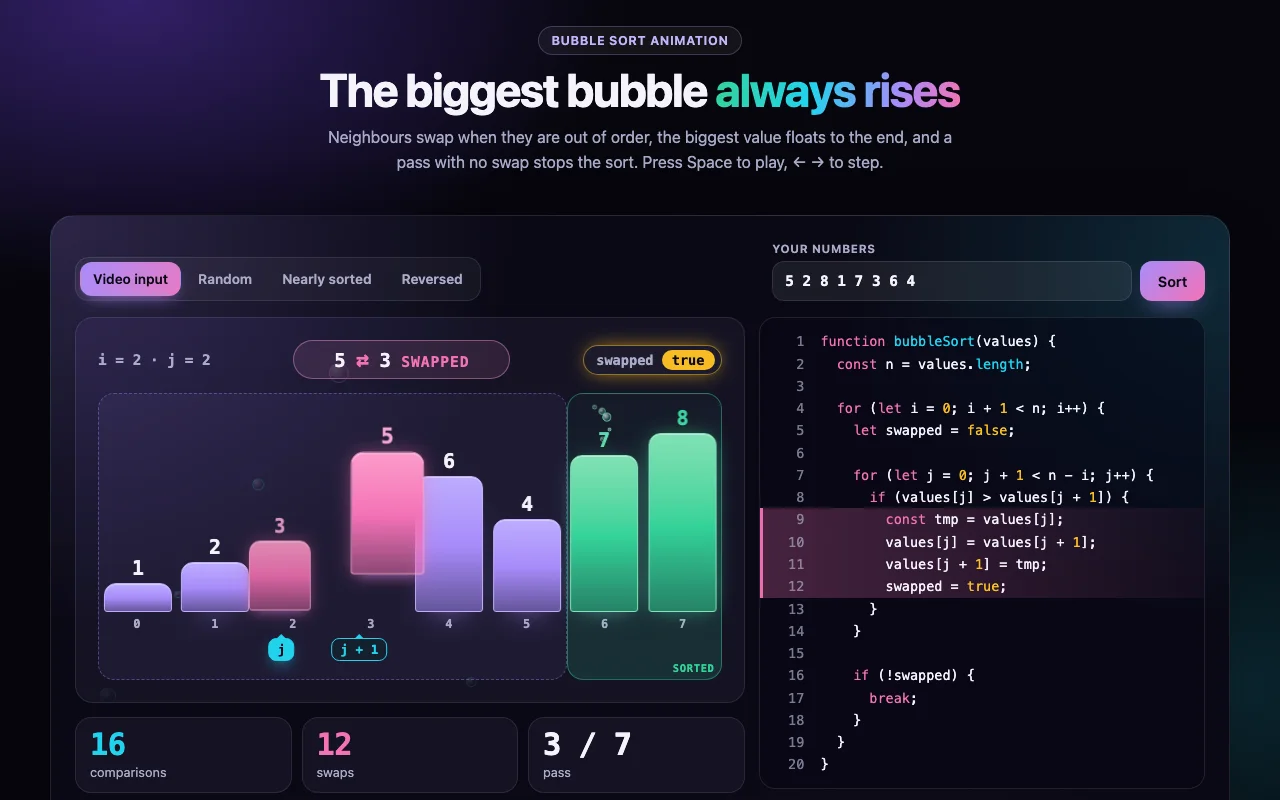
Bubble Sort Animation
The interactive version of the short video: bars that cross when they swap, a sorted tail that grows, and the early exit
Free - AnimationSorting
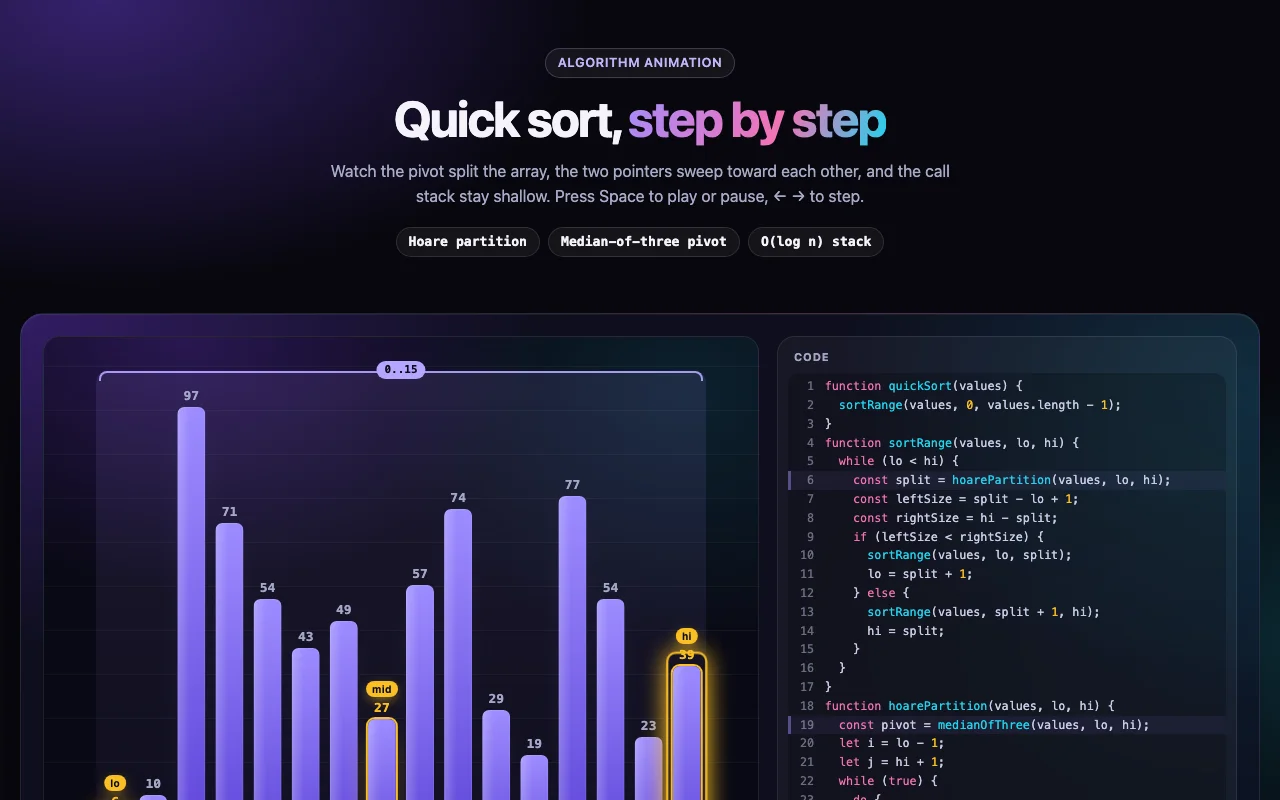
Quick Sort Animation
Quick sort, step by step: the pivot, Hoare's two pointers and a call stack that stays shallow
Free