Bubble Sort Animation
The interactive version of the short video: bars that cross when they swap, a sorted tail that grows, and the early exit
.zip · HTML / CSS / JS · v1.0.0
Free — no account, no email. Always the newest version.
Live preview
About
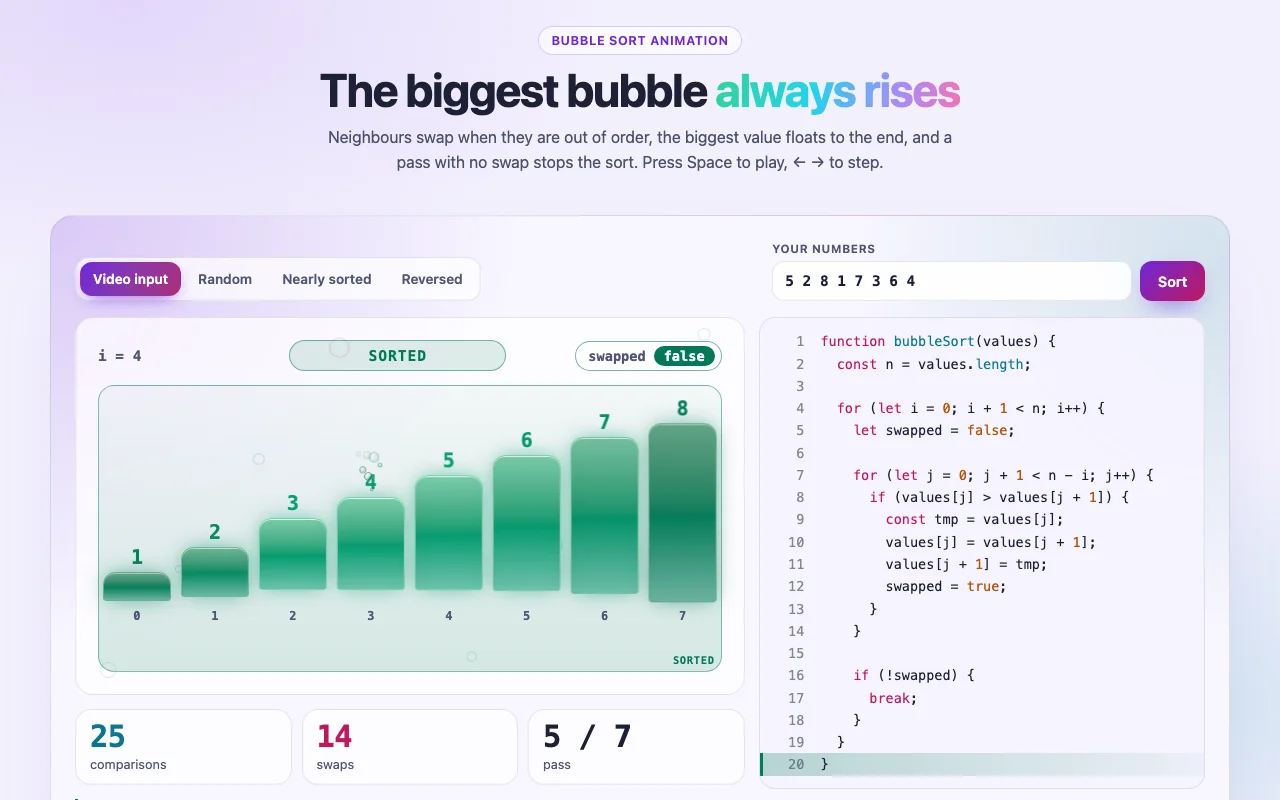
This is the interactive version of the bubble sort animation from the short video. It sorts the
video's input, 5 2 8 1 7 3 6 4, and ends at exactly 25 comparisons and 14 swaps, but you can
pause it, step through it, slow it down and change the numbers. The step-by-step code in the panel
is the bubbleSort listing on the Bubble Sort algorithm page,
line for line, so what you watch is what the page teaches.
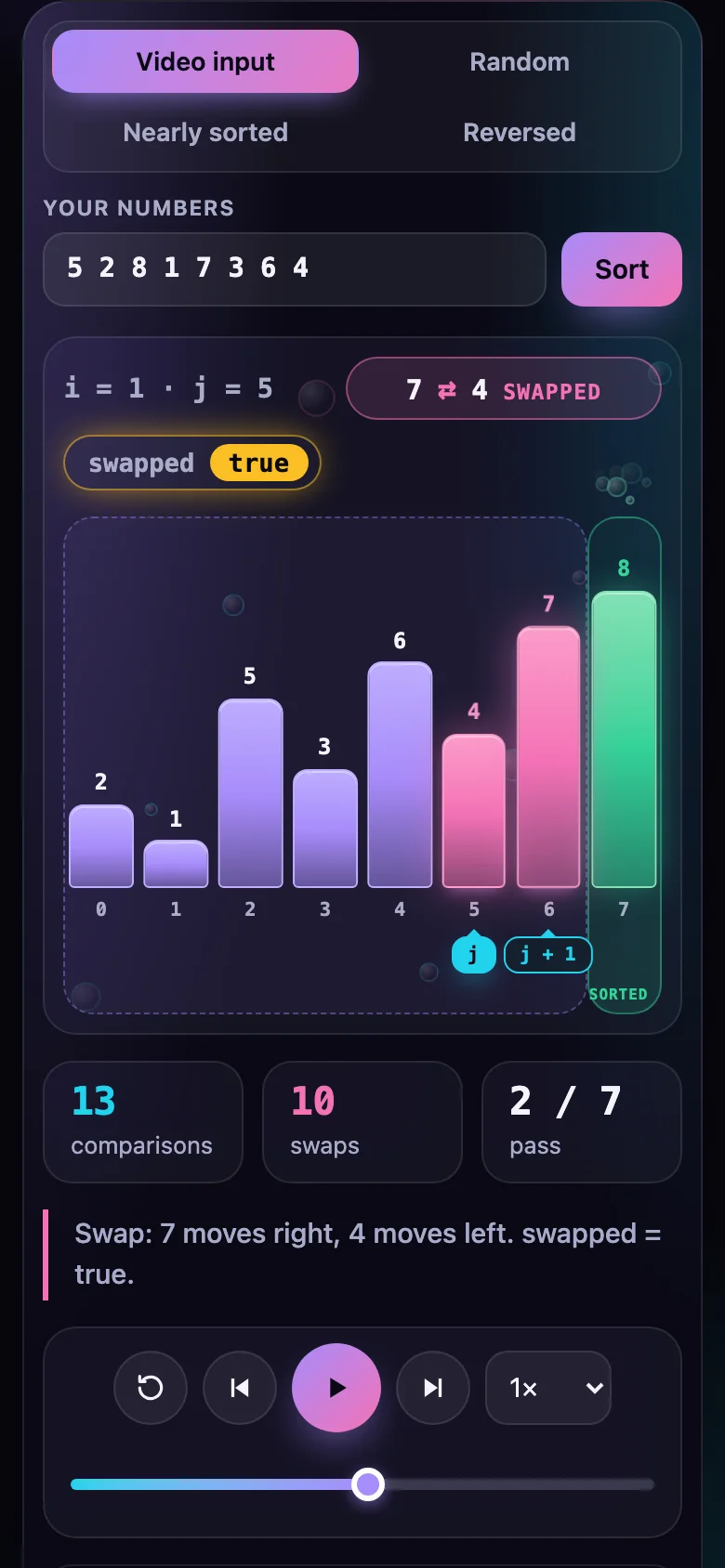
Every pass is easy to follow. The two neighbours being compared light up with a j and j + 1 tag.
When they are out of order the bigger bar hops over the smaller one and they trade places; the
swapped flag turns on. The biggest value of the pass lands at the end, and the sorted tail
grows from the right with a few bubbles. When a pass leaves swapped off, the sort stops there:
the early exit, spelled out in the caption.
- Counters for comparisons, swaps and pass, and a row per pass showing how many comparisons it made and how many of them swapped
- Presets for the video's input, random, nearly sorted (so the early exit is easy to see) and reversed, or type your own numbers
- A full player with a scrubber and 0.5×–4× speed, built to look good on a slide or in a recording
- Every colour, radius, font and timing is a CSS custom property; light and dark follow your page
- Nothing to install: one CSS file and one script, or one React component
Features · 9
- Animates bubbleSort with the swapped early exit exactly as the free algorithm page writes it, line for line in the code panel
- The pair being compared lights up; on a swap the bigger bar hops over the smaller one, and the sorted tail grows from the right
- The swapped flag is a switch on stage: it turns on with the first swap of a pass, and a pass that leaves it off stops the sort, with a caption that says so
- Counters for comparisons, swaps and pass, plus a row per pass: the default input 5 2 8 1 7 3 6 4 ends at exactly 25 comparisons and 14 swaps
- Presets for the video's input, random, nearly sorted (the early exit shows) and reversed, or type your own numbers (up to 24)
- Every step in plain words in a caption, with the running lines lit in the code
- Player: play, pause, step back and forward, reset, scrub, 0.5×–4× speed, optional loop
- Plain HTML/CSS/JS and React (Next.js ready) builds, light and dark
- Zero dependencies, about 14 KB gzipped (script and CSS together)
How to use it
Watched the video and want to use the animation? Pick your case below. Plain HTML takes about two minutes; no build step, no framework.
-
Unzip
bubble-sort-animation-vanilla.zip. Copybubble-sort-animation.cssandbubble-sort-animation.jsnext to your page (or into your site's assets folder). -
In your page's
<head>, link the stylesheet and the script once:<link rel="stylesheet" href="bubble-sort-animation.css" /> <script src="bubble-sort-animation.js" defer></script> -
Wherever you want an animation, add an empty element with
data-bubble-sort-animation:<!-- the video's input: 5 2 8 1 7 3 6 4 --> <div class="bubble-sort-animation" data-bubble-sort-animation></div> <!-- your own numbers, no input row and no code: small enough for a slide --> <div class="bubble-sort-animation" data-bubble-sort-animation data-bubble-sort-animation-values="9 4 7 1 8" data-bubble-sort-animation-inputs="false" data-bubble-sort-animation-code="false" ></div> -
Open the page. It plays on its own; click it once to give it the keyboard, then Space plays or pauses, ← / → step, Home starts again.
Options are data attributes, all starting with data-bubble-sort-animation-:
| Attribute | Default | What it does |
|---|---|---|
-values |
the preset's | Your own numbers, separated by spaces or commas: whole numbers from -999 to 999, up to 24 |
-preset |
video |
video (5 2 8 1 7 3 6 4), random, nearly-sorted or reversed; ignored when -values is given |
-size |
8 |
How many bars random, nearly-sorted and reversed have (2–24) |
-seed |
7 |
Which seeded array: the same seed always gives the same one |
-speed |
1 |
0.25 to 4 |
-autoplay |
true |
Plays on its own once loaded (never with reduced motion) |
-loop |
false |
Starts again after a pause on the result |
-code |
true |
false hides the code panel |
-inputs |
true |
false hides the row of presets and the box for your own numbers |
For a pass that stops early, try data-bubble-sort-animation-preset="nearly-sorted": one pass puts
the pairs right and the next pass swaps nothing.
Elements added after the page loads (a tab, a modal, a client-side route):
BubbleSortAnimation.init(container); it returns a function that undoes it. For full control,
BubbleSortAnimation.createBubbleSortAnimation(element, options) returns a handle with
setValues, setPreset, shuffle, player (play, pause, stepForward, stepBack, seek,
reset, setSpeed, setLoop) and destroy.
- Slides built from HTML (reveal.js, Slidev, Marp's HTML export): put the
<link>and<script>in the deck's head and the<div>on the slide. Use-inputs="false",-code="false"and-autoplay="false"for a clean slide, then press Space when you reach it. - A blog or a static site (Hugo, Jekyll, Astro, Eleventy, WordPress's Custom HTML block):
upload the two files, add the
<link>and<script>to the page template (or once per post) and paste the<div>into the post. Several animations on one page are fine. - An LMS or any page that lets you add HTML (Moodle, Canvas, a Notion-style embed that accepts
an iframe): host the two files plus a small page that contains the
<div>, and embed that page with an<iframe>. - PowerPoint or Keynote: open the page, pick a speed and record your screen, or take a
screenshot of the frame you want; use
-autoplay="false"and step with →.
It sorts the same input as the video, so you can play the video first and then let your students step through it. The code panel is the JavaScript listing on the algorithm page, so the two always agree.
Copy BubbleSortAnimation.tsx, bubble-sort-animation.css and the core folder into your project:
import { BubbleSortAnimation } from "./BubbleSortAnimation";

<BubbleSortAnimation />
<BubbleSortAnimation values={[9, 4, 7, 1, 8]} inputs={false} code={false} autoplay={false} />
<BubbleSortAnimation preset="nearly-sorted" size={10} seed={3} loop onFrame={(frame) => console.log(frame.caption)} />
The props are the options above, camel-cased (values, preset, size, seed, speed,
autoplay, loop, code, inputs), plus onFrame(frame, index), called with every frame drawn.
Changing a prop starts the sort again. Every other prop goes to the root <div> (className,
id, aria-*…). React 18 or 19.
The file starts with "use client", so use it from any page or server component. With the App
Router nothing else is needed. With the Pages Router, move the CSS import into pages/_app.
Set these on .bubble-sort-animation (or a class of your own):
| Property | What it changes |
|---|---|
--bubble-bar, --bubble-compare, --bubble-swap, --bubble-sorted |
The bars still to sort (violet), the pair being compared (cyan), the swap (pink) and the sorted tail (green) |
--bubble-flag |
The swapped switch when it is on, and the number colour in the code |
--bubble-bg, --bubble-surface, --bubble-surface-strong, --bubble-blur |
The background and the frosted glass |
--bubble-edge, --bubble-shadow, --bubble-code-bg |
Borders, shadows, the code panel |
--bubble-text, --bubble-muted, --bubble-on-accent, --bubble-ring |
Text, secondary text, text on the coloured tags and buttons, focus ring |
--bubble-font, --bubble-mono |
The fonts for words and for code and numbers |
--bubble-radius, --bubble-bar-radius |
Corners of the player and of the bars |
--bubble-duration, --bubble-ease |
How fast and how softly bars cross and slide |
Colours use light-dark(): they follow color-scheme on your page. With
prefers-reduced-motion, nothing plays on its own and frames change instantly; every control
still works.
- Nothing appears: the element needs
data-bubble-sort-animation, and both the CSS and the script must load (check the paths in your browser's network tab). - Space or the arrows do nothing: click the animation once first; the shortcuts work while it has focus, and never while you type in the numbers box.
- My numbers changed: values are rounded to whole numbers, kept between -999 and 999, and cut at 24. The box shows what was sorted.
Ask about this product
Not sure it fits your project? Ask — the answer comes from this page.
Changelog
1.0.0First releaseLatest
Plain HTML/CSS/JS and React builds of the step-by-step bubble sort animation with the early exit: bars that cross when they swap, a sorted tail that grows, the swapped flag, comparison / swap / pass counters, live code, player controls, your own numbers and presets, light and dark.
- Fixes and new features land behind the same download, which always serves the latest version.
You might also like
- AnimationSorting
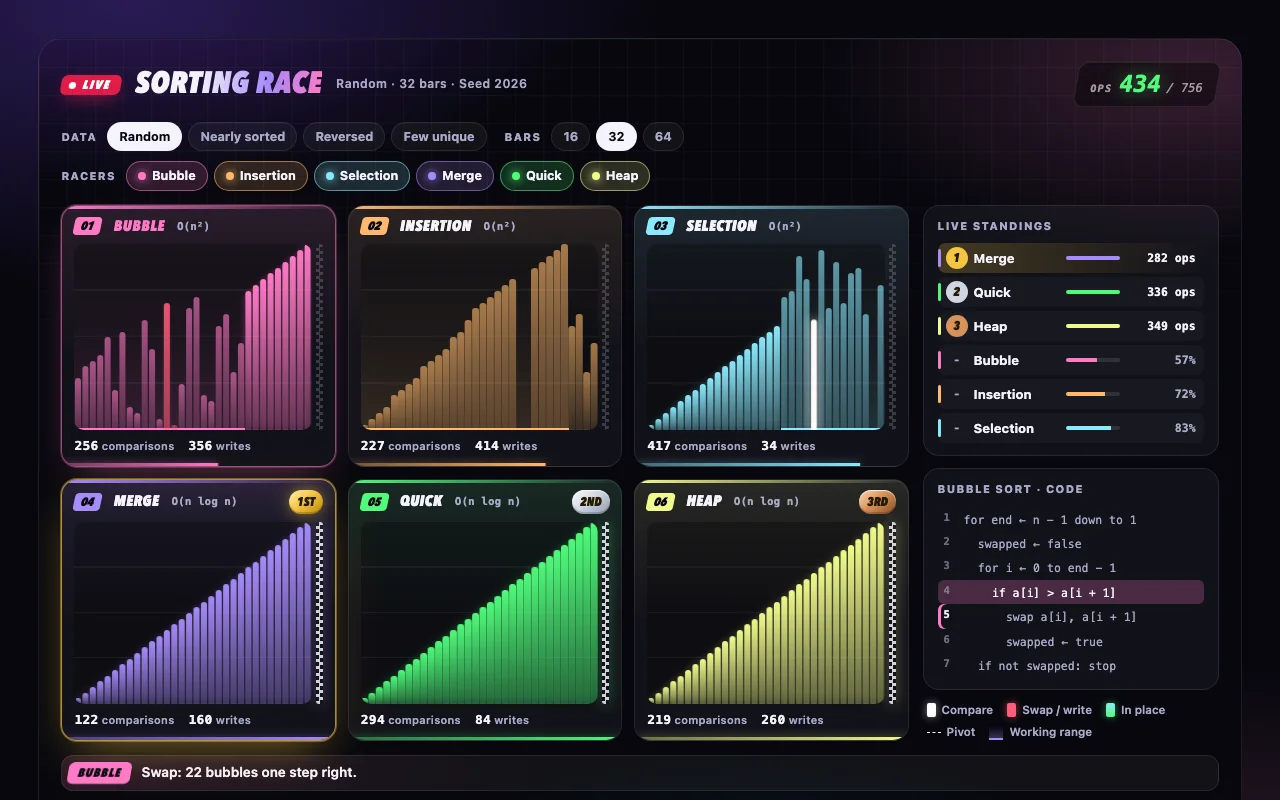
Sorting Race
Six sorting algorithms race side by side on the same data — one operation per tick, medals at the finish
Free - AnimationSorting
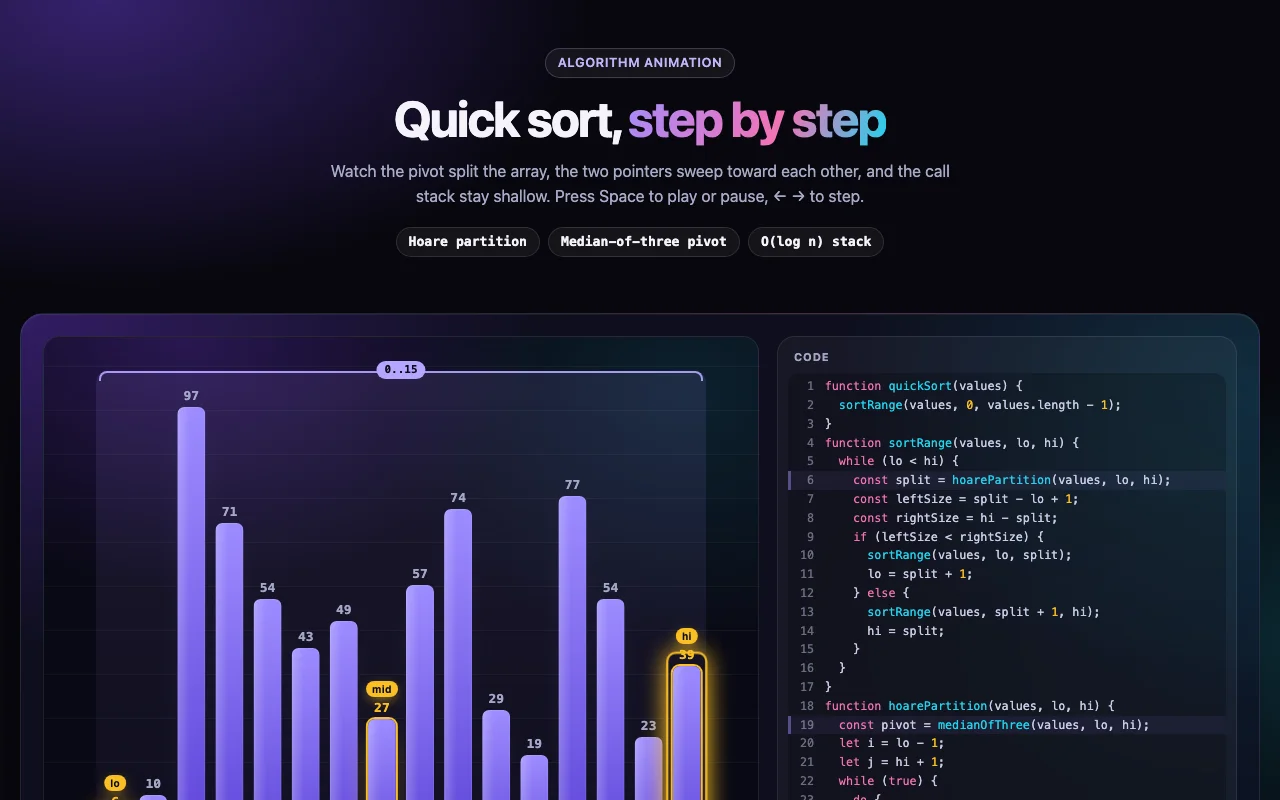
Quick Sort Animation
Quick sort, step by step: the pivot, Hoare's two pointers and a call stack that stays shallow
Free