Quick Sort Animation
Quick sort, step by step: the pivot, Hoare's two pointers and a call stack that stays shallow
.zip · HTML / CSS / JS · v1.0.0
Free — no account, no email. Always the newest version.
Live preview
About
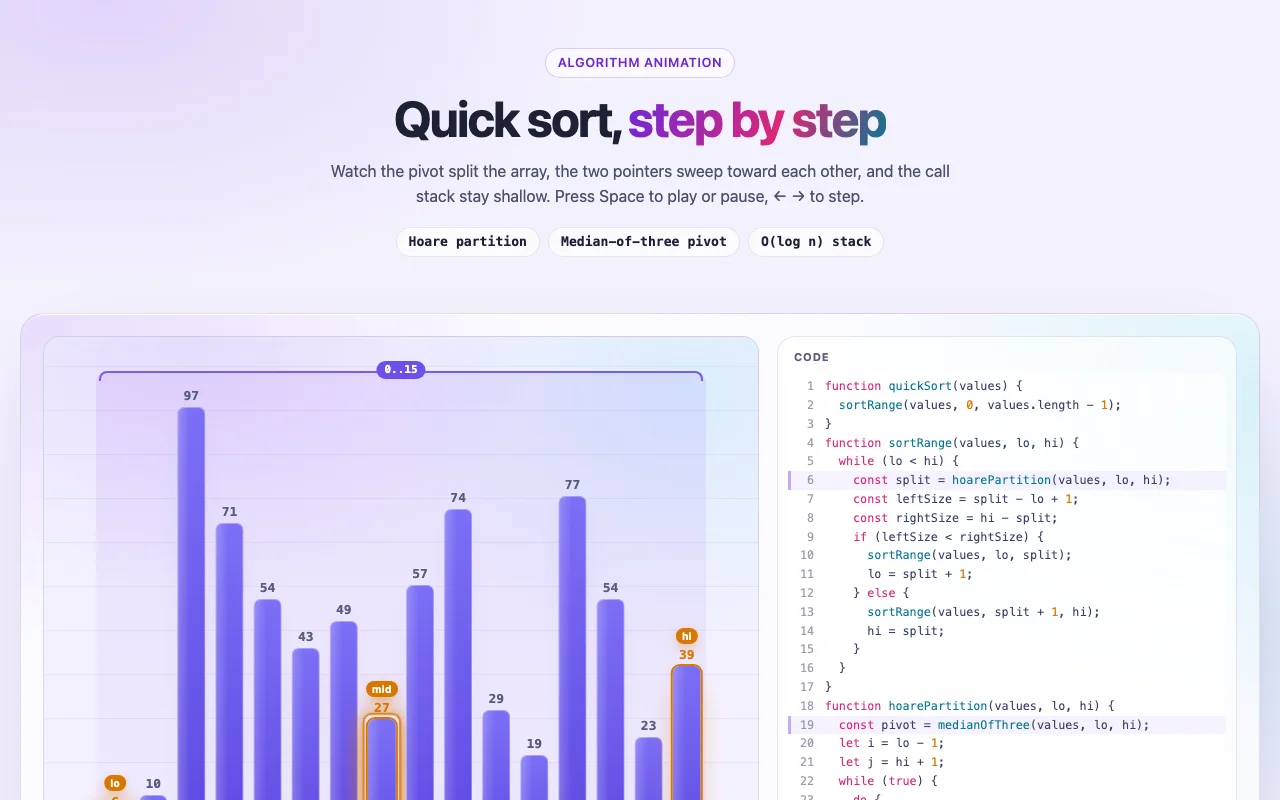
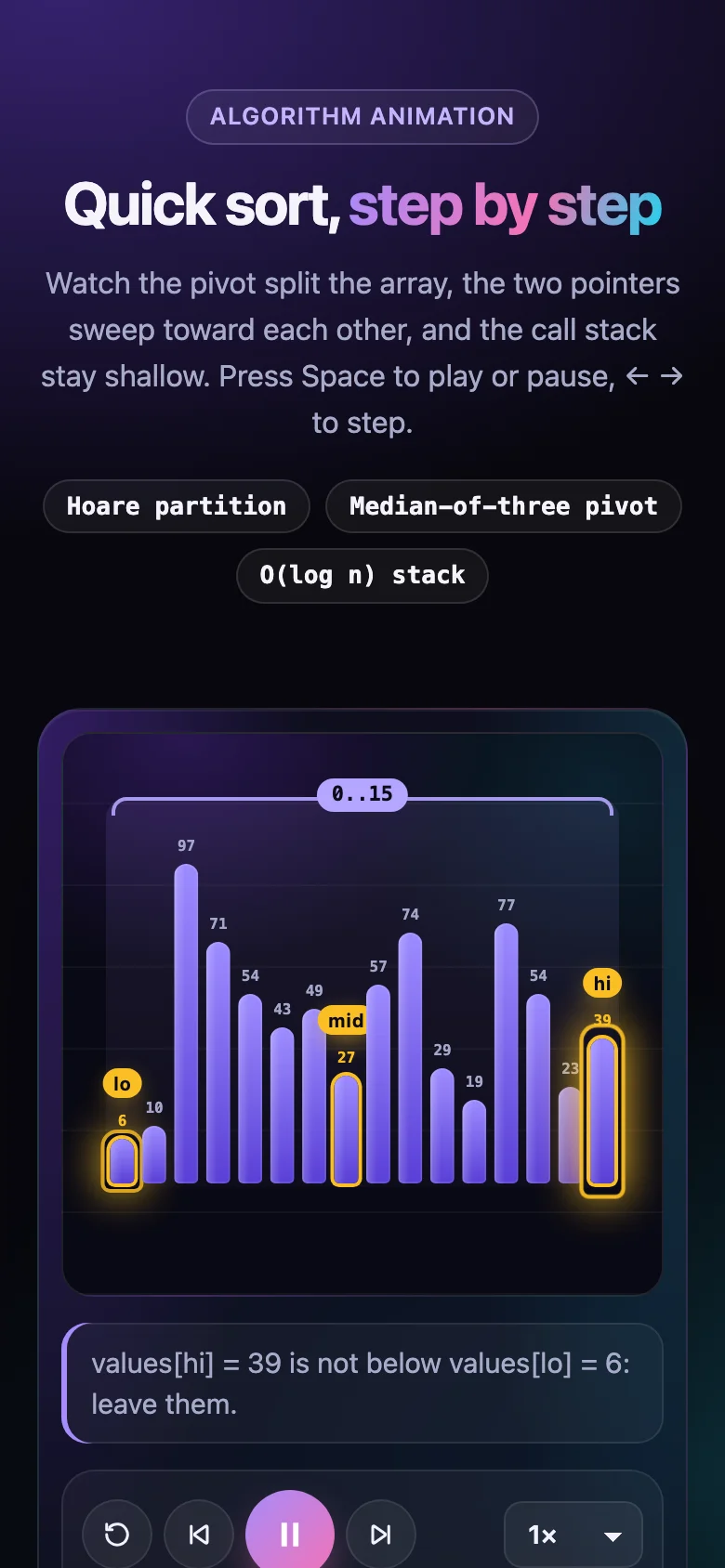
Quick sort is easy to say and hard to see. This player shows every step of it: the three values median-of-three looks at, the pivot they choose, Hoare's two pointers i and j walking toward each other, the swaps sliding into place, and the split. Finished stretches turn green, and the call stack beside it shows the trick that keeps quick sort safe: recurse into the smaller side, loop on the bigger one, so the stack never gets deeper than ⌈log₂ n⌉.
- Exactly the listing on the Quick Sort page, and its code lights up line by line as it runs
- Captions in plain words ("values[j] = 39 is not above 39: j stops here") for every step
- Random, sorted, reversed or many-duplicates input from a seed, or your own numbers
- Play, step, scrub and change speed with the mouse or the keyboard; it loops for a slide or a video
- Every colour, radius and timing is a CSS custom property; light and dark follow your page
- Nothing to install: one CSS file and one small script, or one React component
Features · 9
- Follows the algorithm page's listing exactly: Hoare partition, median-of-three pivot, recursion into the smaller side
- Bars slide when they swap; the range, the pivot line, i and j and the split are drawn as they happen
- The listing's own code with the running line lit, and a call stack that shows the loop on the bigger side
- A caption in plain words for every step, plus comparisons, swaps and stack depth against ⌈log₂ n⌉
- Play, pause, step, scrub and 0.5×–4× speed; a small celebration when the array is sorted
- Random, sorted, reversed or many-duplicates input from a seed you can replay, or your own values
- Dark aurora look that also works light; fits a phone, a blog post or a 16:9 slide
- Plain HTML/CSS/JS and React (Next.js ready) builds
- Zero dependencies, about 16 KB gzipped (script and styles together)
How to use it
Link the stylesheet and the script once, then mark an empty element with
data-quick-sort-animation. It builds the whole player inside it:
<link rel="stylesheet" href="quick-sort-animation.css" />
<script src="quick-sort-animation.js" defer></script>

<div data-quick-sort-animation data-quick-sort-size="16" data-quick-sort-loop></div>

<!-- your own values, without the extra panels: good for a slide -->
<div
  data-quick-sort-animation
  data-quick-sort-values="7, 2, 9, 4, 3, 8, 1"
  data-quick-sort-inputs="false"
  data-quick-sort-panels="false"
></div>
Options as data attributes (a boolean is on when present, off when it says "false"):
| Attribute | Default | What it does |
|---|---|---|
data-quick-sort-values |
— | Your numbers, separated by commas or spaces (48 at most); replaces the generated array |
data-quick-sort-size |
16 |
Bars in a generated array, 2 to 48 |
data-quick-sort-scenario |
random |
random, sorted, reversed or duplicates |
data-quick-sort-seed |
7 |
Which generated array: the same seed always draws the same one |
data-quick-sort-speed |
1 |
0.25 to 4 |
data-quick-sort-autoplay |
on | Starts playing on load (never with prefers-reduced-motion) |
data-quick-sort-loop |
off | Starts over after the last step |
data-quick-sort-inputs |
on | The size and input pickers and the "New input" button |
data-quick-sort-panels |
on | The code and call-stack panels |
Players added after the page loads: QuickSortAnimation.init(container) — it returns a function
that undoes it. To drive one from your own code (a slide clicker, say), build it yourself:
const player = QuickSortAnimation.create(element, { values: [5, 1, 4, 2, 3], autoplay: false });
player.stepForward();
player.seek(20);
player.setValues([9, 8, 7]);
player.destroy(); // the element is given back as it was
The handle also has play, pause, stepBack, reset and frameCount.
With focus anywhere in the player, Space plays or pauses, ← / → step and Home goes back to the start.
Copy QuickSortAnimation.tsx, quick-sort-animation.css and the core folder into your project:
import { QuickSortAnimation } from "./QuickSortAnimation";

<QuickSortAnimation size={24} scenario="reversed" loop />
<QuickSortAnimation values={[7, 2, 9, 4, 3, 8, 1]} inputs={false} panels={false} />
The props are the options above: values, size, scenario, seed, speed, autoplay, loop,
inputs, panels, plus any <div> prop (className, id, aria-label…). A new array with the
same numbers does not restart the player. React 18 or 19.
The component starts with "use client", so use it from any page or server component. With the
App Router nothing else is needed. With the Pages Router, move the CSS import into pages/_app.
Set these on .quick-sort-animation (or a class of your own):
| Property | What it changes |
|---|---|
--quicksort-surface, --quicksort-panel, --quicksort-stage, --quicksort-border |
The glass, the panels, the stage and their edges |
--quicksort-aurora-1, --quicksort-aurora-2, --quicksort-aurora-3 |
The coloured glows behind it |
--quicksort-text, --quicksort-muted |
Text and secondary text |
--quicksort-bar, --quicksort-bar-2 |
A bar's gradient, top to bottom |
--quicksort-pivot, --quicksort-i, --quicksort-j, --quicksort-swap |
The pivot (and median-of-three), the two pointers, a swap |
--quicksort-settled, --quicksort-settled-2 |
Bars in their final place |
--quicksort-range, --quicksort-on-mark |
The range bracket, and text on coloured tags |
--quicksort-accent, --quicksort-accent-2, --quicksort-ring |
Play button, scrubber, active code line, focus ring |
--quicksort-radius, --quicksort-bar-radius |
Corners |
--quicksort-font, --quicksort-mono |
Text and code fonts |
--quicksort-stage-height |
How tall the bars may grow |
--quicksort-duration, --quicksort-ease |
How long a bar takes to slide at 1× (it scales with the speed) |
Colours use light-dark(): they follow color-scheme on your page.
Ask about this product
Not sure it fits your project? Ask — the answer comes from this page.
Changelog
1.0.0First releaseLatest
Plain HTML/CSS/JS and React builds of a step-by-step quick sort player (Hoare partition, median-of-three pivot, smaller-side recursion) with pseudocode, call stack, counters, seeded inputs, keyboard and reduced-motion support.
- Fixes and new features land behind the same download, which always serves the latest version.
You might also like
- AnimationSorting
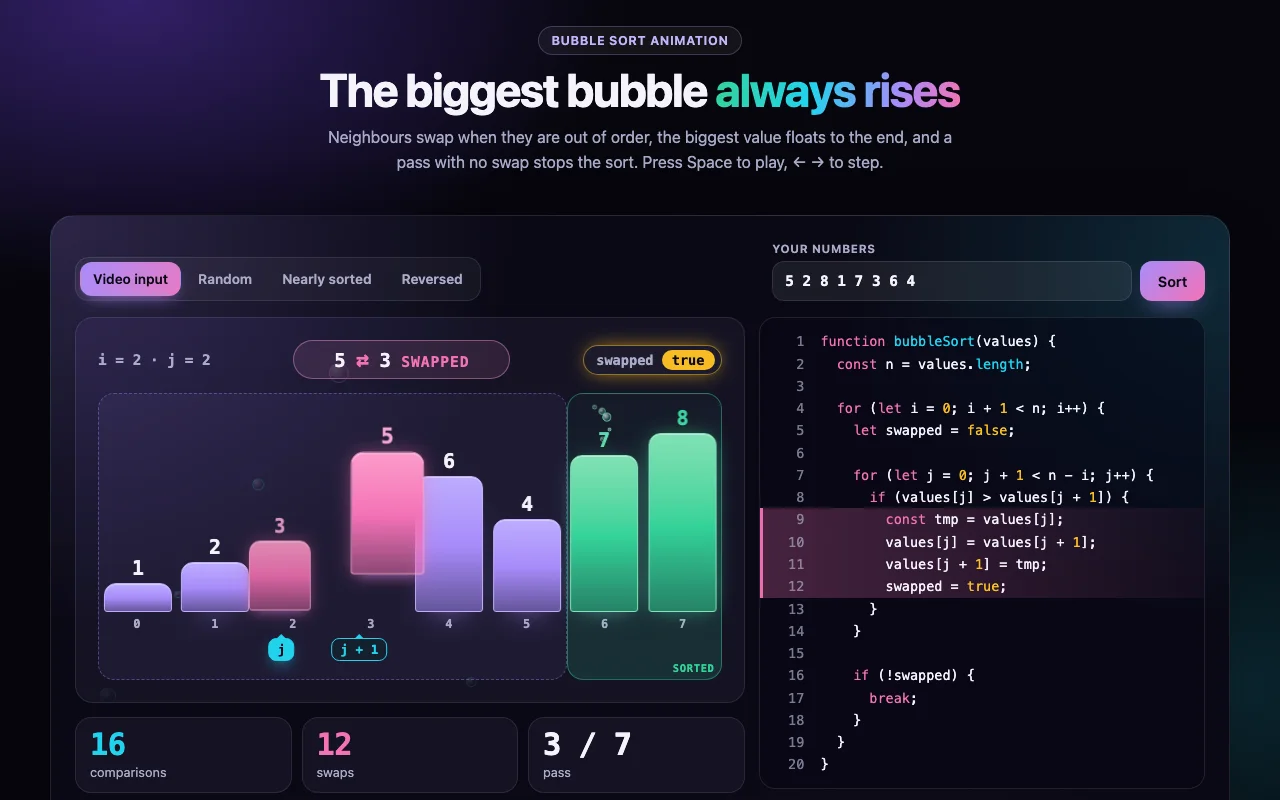
Bubble Sort Animation
The interactive version of the short video: bars that cross when they swap, a sorted tail that grows, and the early exit
Free - AnimationSorting
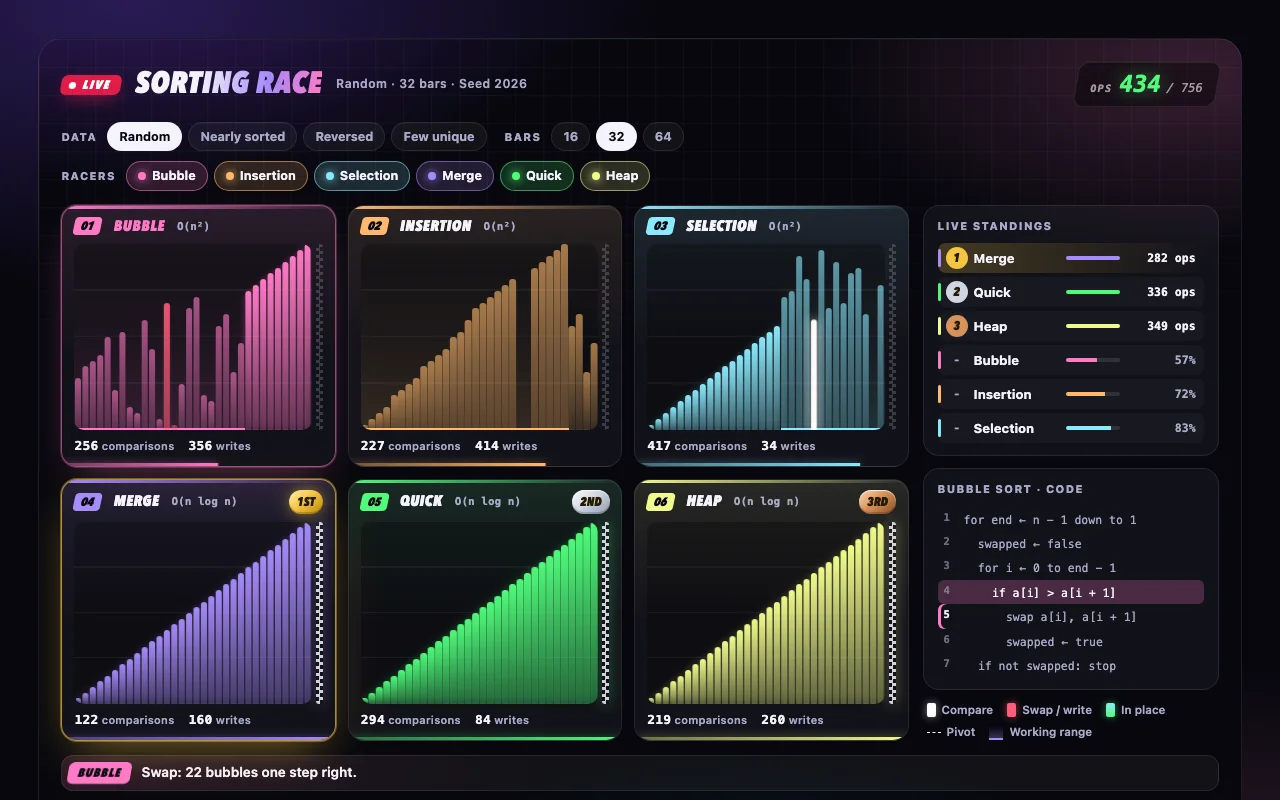
Sorting Race
Six sorting algorithms race side by side on the same data — one operation per tick, medals at the finish
Free