Spotlight Card
Frosted-glass cards lit by a soft light that follows the pointer — and spills across the grid
.zip · HTML / CSS / JS · v1.0.0
Free — no account, no email. Always the newest version.
Live preview
About
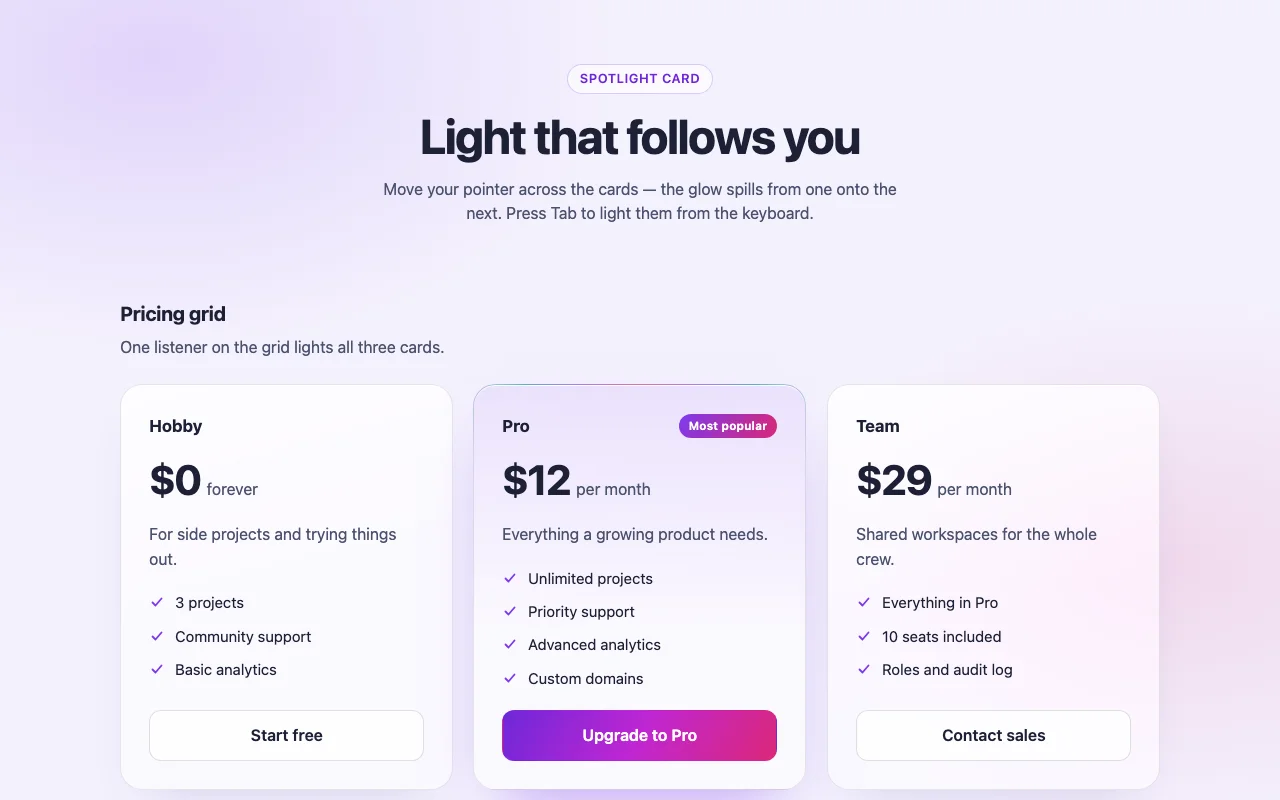
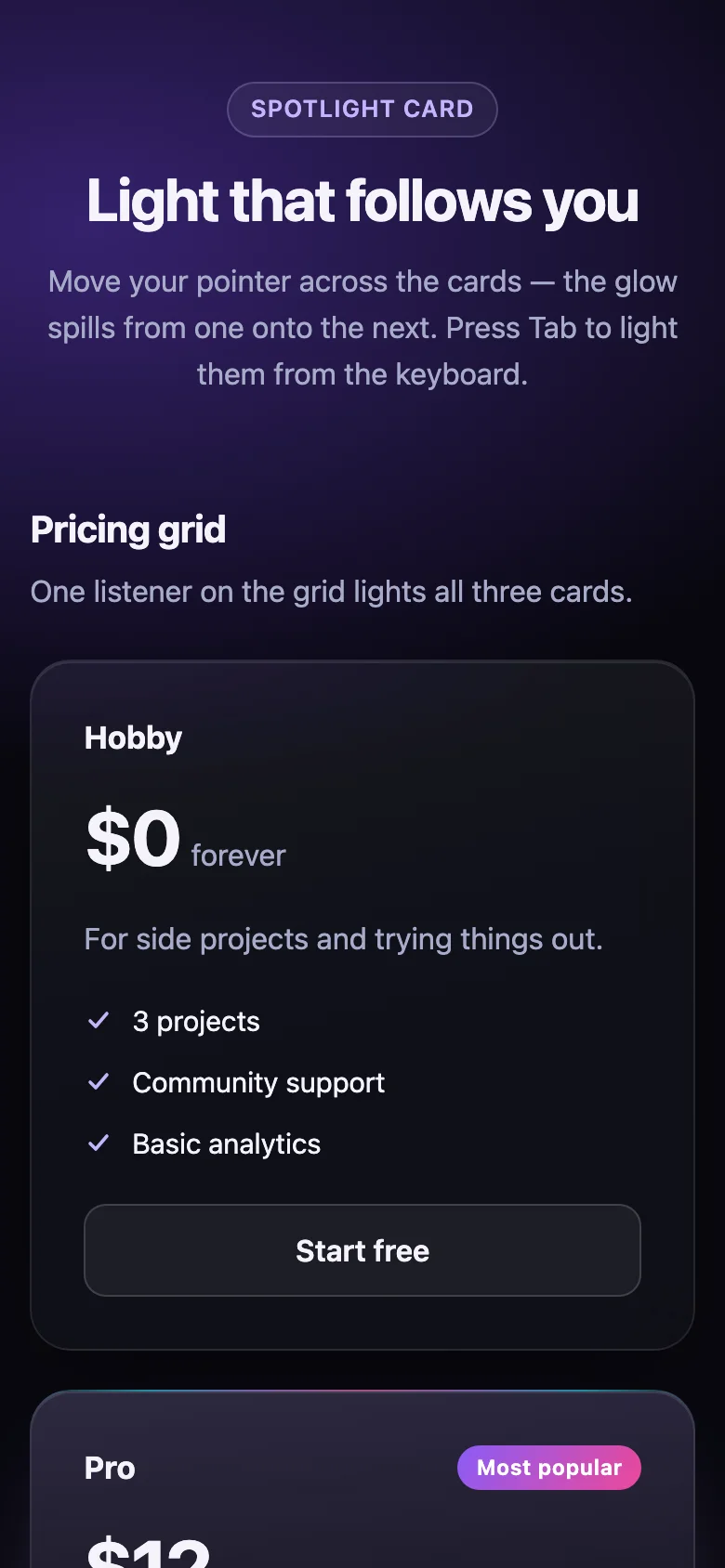
Cards that catch the light. A soft glow follows the pointer across frosted glass, and the border lights up on the side the pointer is closest to. Put a few in a grid and the light spills from one card onto the next — the polished spotlight effect you see on the best product pages, ready for your pricing tiers and feature lists.
- One listener per grid, however many cards: the light crosses the gaps between them
- A featured style for the plan you want people to pick, and an optional tilt toward the pointer
- Every colour and size is a CSS custom property: accents, glass, reach of the glow, radius, timing
- The script only writes positions; CSS draws the light, so it stays smooth and cheap
- Nothing to install: one CSS file and one small script, or one React file
Features
- A soft light follows the pointer inside the card
- The border glows on the side nearest the pointer, even from the next card over
- One listener lights a whole grid: pricing tiers, feature lists, dashboards
- Featured style with a border that glows at rest, for the plan you recommend
- Optional 3D tilt toward the pointer, off by default
- Works on <article>, <a>, <li> or any element, light and dark
- Plain HTML/CSS/JS and React (Next.js ready) builds
- Zero dependencies, under 3 KB gzipped
How to use it
Link the stylesheet and the script once. Put cards in a data-spotlight-group so the light spills
from one to the next; a card on its own takes data-spotlight:
<link rel="stylesheet" href="spotlight-card.css" />
<script src="spotlight-card.js" defer></script>

<div class="spotlight-group" data-spotlight-group>
  <article class="spotlight-card">…</article>
  <article class="spotlight-card" data-variant="featured">…</article>
  <article class="spotlight-card">…</article>
</div>

<a class="spotlight-card" href="/changelog" data-spotlight>…</a>
Every .spotlight-card inside a group is lit by the group — cards added to it later too. The
spotlight-group class is an optional responsive grid; any layout works. Tilt the card under the
pointer with data-spotlight-tilt (in degrees, default 0 = off; 4–8 feels right) on the
group or the single card. Groups or cards added after the page loads: SpotlightCard.init(container)
— it returns a function that undoes it.
Copy SpotlightCard.tsx, spotlight-card.css and the core folder into your project:
import { SpotlightCard, SpotlightGroup } from "./SpotlightCard";

<SpotlightGroup tilt={5}>
  <SpotlightCard>…</SpotlightCard>
  <SpotlightCard variant="featured">…</SpotlightCard>
  <SpotlightCard as="a" href="/team">…</SpotlightCard>
</SpotlightGroup>

<SpotlightCard as="section" tilt={6}>On its own</SpotlightCard>
as picks the element (article by default for a card, div for a group; ul + li work too).
Every other prop goes to that element (className, id, onClick, aria-*…). Inside a group,
set tilt on the group. React 18 or 19.
The file starts with "use client", so use it from any page or server component. With the App
Router nothing else is needed. With the Pages Router, move the CSS import into pages/_app.
Set these on .spotlight-card (or a class of your own):
| Property | What it changes |
|---|---|
--spotlight-from, --spotlight-via, --spotlight-to |
The border light's colours (violet, pink, cyan) |
--spotlight-light, --spotlight-light-size |
The light inside the card and its radius |
--spotlight-reach |
How far the border light reaches — and so how far it spills onto neighbours |
--spotlight-surface, --spotlight-surface-top, --spotlight-blur |
The frosted glass |
--spotlight-edge, --spotlight-border-width, --spotlight-sheen |
The resting border and the top highlight |
--spotlight-text, --spotlight-shadow, --spotlight-ring |
Text, shadow, focus ring |
--spotlight-radius, --spotlight-padding |
Shape and size |
--spotlight-rest |
How bright the still glow is (featured cards, touch screens) |
--spotlight-fade, --spotlight-follow, --spotlight-settle, --spotlight-ease |
How fast the light fades and the tilt follows and settles |
--spotlight-perspective |
Depth of the tilt |
On .spotlight-group: --spotlight-gap and --spotlight-min (narrowest column). Colours use
light-dark(): they follow color-scheme on your page.
With prefers-reduced-motion, cards never tilt; the light keeps following the pointer, because
nothing on the page moves — only a glow changes place.
Ask about this product
Not sure it fits your project? Ask — the answer comes from this page.
Changelog
1.0.0First releaseLatest
Plain HTML/CSS/JS and React builds. Pointer-following light, spill-over grid glow, featured style, optional tilt, keyboard, touch and reduced-motion support.
- Fixes and new features land behind the same download, which always serves the latest version.
You might also like
- ComponentCard
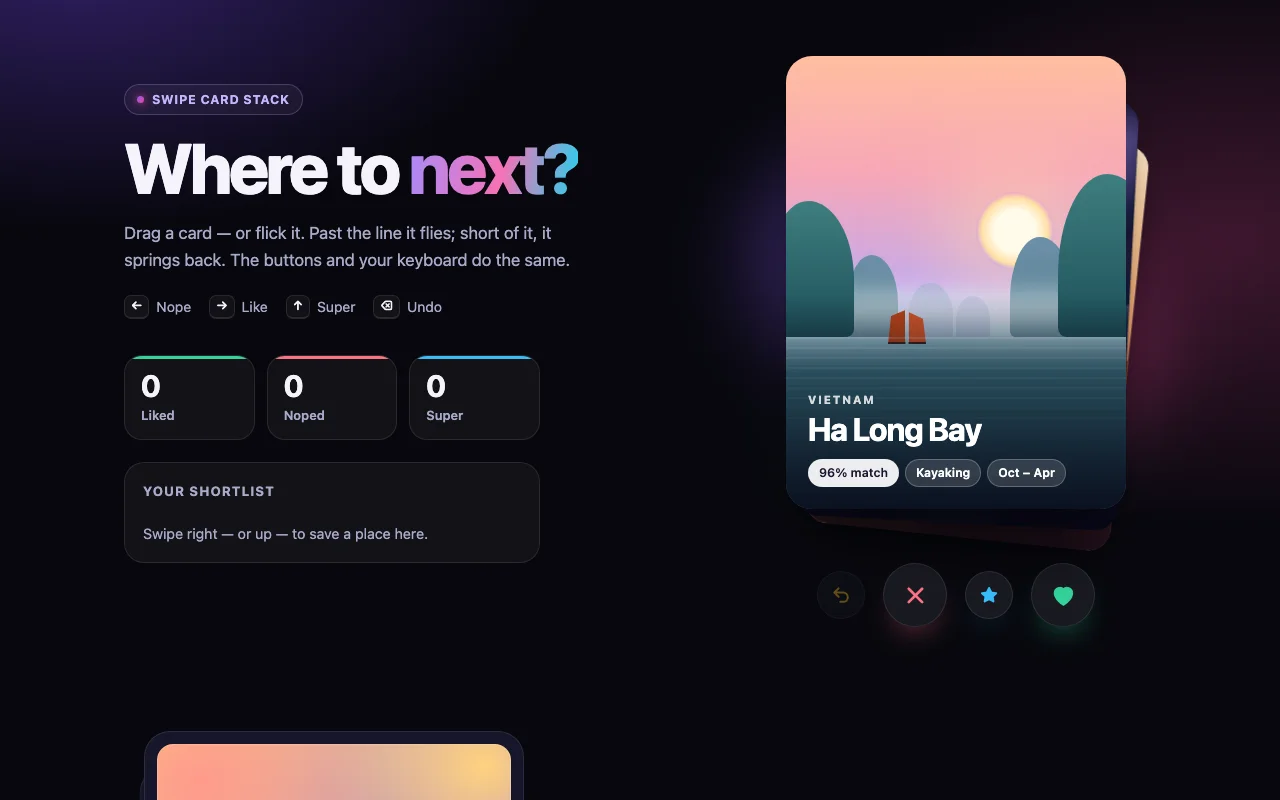
Swipe Card Stack
A Tinder-style card stack you drag, flick and throw — with stamps, undo and real physics
Free