Magnify Dock
A frosted-glass dock whose icons swell under the pointer while their neighbours glide aside
.zip · HTML / CSS / JS · v1.0.0
Free — no account, no email. Always the newest version.
Live preview
About
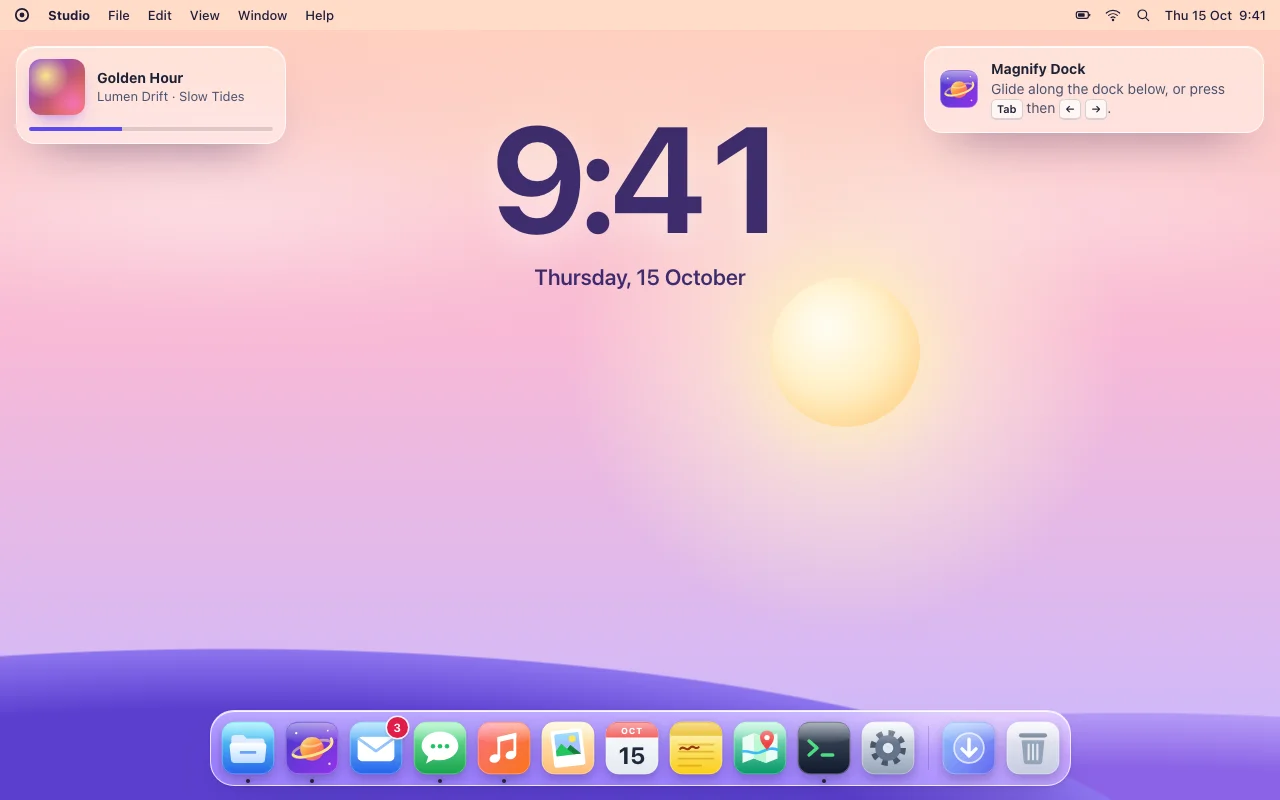
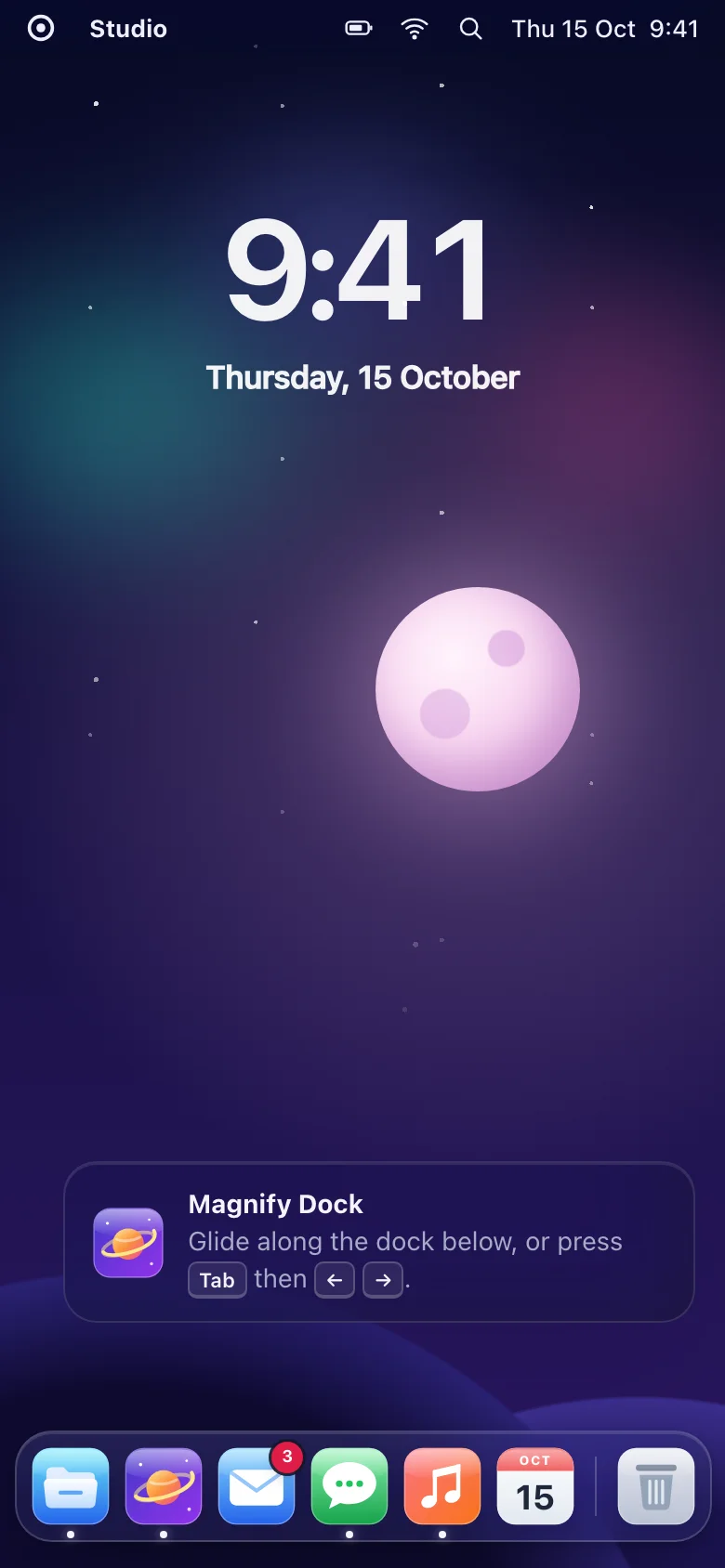
The dock everyone wants to touch, for your own site. Glide the pointer along it and the icons swell like a lens is passing over them, while their neighbours slide aside to make room — the frosted panel stretches with them. Click one and it bounces, like an app starting up.
- The swell follows the pointer and is eased every frame, so it feels soft and never jitters
- Sits on any edge: across the bottom or top, or down the left or right side
- Tooltip labels, running dots, separators and count badges built in
- The script only writes sizes; CSS draws everything, so it stays smooth and cheap
- Nothing to install: one CSS file and one small script, or one React file
Features
- Icons swell smoothly around the pointer and their neighbours make room — no jitter, no overlap
- Cosine or gaussian swell, with the size, reach and softness yours to set
- Bottom, top, left or right: the icons grow away from the edge, tooltips point the other way
- Tooltip labels, a launch bounce on click, running dots, separators and count badges
- Items are real links and buttons, any number per page
- Plain HTML/CSS/JS and React (Next.js ready) builds
- Zero dependencies, about 5 KB gzipped (script and styles together)
How to use it
Link the stylesheet and the script once, then build the dock from links and buttons. Each item has its label first, then its icon:
<link rel="stylesheet" href="magnify-dock.css" />
<script src="magnify-dock.js" defer></script>

<div class="magnify-dock" data-magnify-dock aria-label="Apps">
  <a class="magnify-dock__item" href="/files" data-running>
    <span class="magnify-dock__label">Files</span>
    <span class="magnify-dock__icon"><svg aria-hidden="true">…</svg></span>
  </a>
  <button class="magnify-dock__item" type="button">
    <span class="magnify-dock__label">Mail</span>
    <span class="magnify-dock__icon"><svg aria-hidden="true">…</svg><span class="magnify-dock__badge">3</span></span>
  </button>
  <span class="magnify-dock__separator"></span>
  <button class="magnify-dock__item" type="button">…</button>
</div>
Options as data attributes on the dock: data-edge (bottom by default, or top, left,
right), data-magnify-dock-max-scale (1.8 — how big the icon under the pointer gets; 1 turns
the magnifier off), data-magnify-dock-range (160, in px — how far from the pointer icons still
grow), data-magnify-dock-curve (cosine or gaussian, peakier), data-magnify-dock-smoothing
(0.22 — how much of the way an icon goes each frame; lower is softer) and
data-magnify-dock-bounce="false" to skip the launch bounce.
On an item: data-running shows the indicator dot; so do aria-current="page" on a link and
aria-pressed="true" on a toggle button. To change a count later: MagnifyDock.setBadge(item, 5)
(0 removes it, past 99 it shows "99+"). Docks added after the page loads:
MagnifyDock.init(container) — it returns a function that undoes it.
The dock gets role="toolbar" unless you give it a role, so give it an aria-label.
Copy MagnifyDock.tsx, magnify-dock.css and the core folder into your project:
import { Dock, DockItem, DockSeparator } from "./MagnifyDock";

<Dock aria-label="Apps" maxScale={1.8}>
  <DockItem label="Files" icon={<FilesIcon aria-hidden />} href="/files" running />
  <DockItem label="Mail" icon={<MailIcon aria-hidden />} badge={unread} onClick={openMail} />
  <DockSeparator />
  <DockItem label="Trash" icon={<TrashIcon aria-hidden />} onClick={openTrash} />
</Dock>

<Dock edge="left" aria-label="Sections">…</Dock>
Dock takes edge, maxScale, range, curve, smoothing and bounce, matching the data
attributes. A DockItem with href is a link, without one a <button type="button">; every
other prop goes to that element (aria-current, aria-pressed, disabled, onClick…). React 18
or 19.
The file starts with "use client", so use it from any page or server component. With the App
Router nothing else is needed. With the Pages Router, move the CSS import into pages/_app.
Set these on .magnify-dock (or a class of your own):
| Property | What it changes |
|---|---|
--dock-size, --dock-gap, --dock-padding |
Icon size at rest, the space between icons and around them |
--dock-radius, --dock-icon-radius |
The panel's corners and the icons' |
--dock-glass, --dock-glass-edge, --dock-sheen, --dock-blur |
The frosted panel |
--dock-shadow, --dock-separator |
Its shadow and the separator lines |
--dock-label-bg, --dock-label-text, --dock-label-gap |
The tooltips |
--dock-dot, --dock-badge-bg, --dock-badge-text |
The indicator dot and the count badge |
--dock-ring, --dock-highlight |
Focus ring, and the highlight that replaces the swell with reduced motion |
--dock-press |
How far an icon shrinks under a finger |
--dock-bounce-height, --dock-bounce-duration |
The launch bounce |
--dock-fade, --dock-ease |
How the tooltips fade in |
Colours use light-dark(): they follow color-scheme on your page. The size of the swell is an
option, not a property: it is worked out each frame by the script.
Ask about this product
Not sure it fits your project? Ask — the answer comes from this page.
Changelog
1.0.0First releaseLatest
Plain HTML/CSS/JS and React builds. Smooth pointer magnification with neighbours making room, four edges, tooltips, launch bounce, running dots, badges, keyboard, touch and reduced-motion support.
- Fixes and new features land behind the same download, which always serves the latest version.
You might also like
- ComponentNavigation
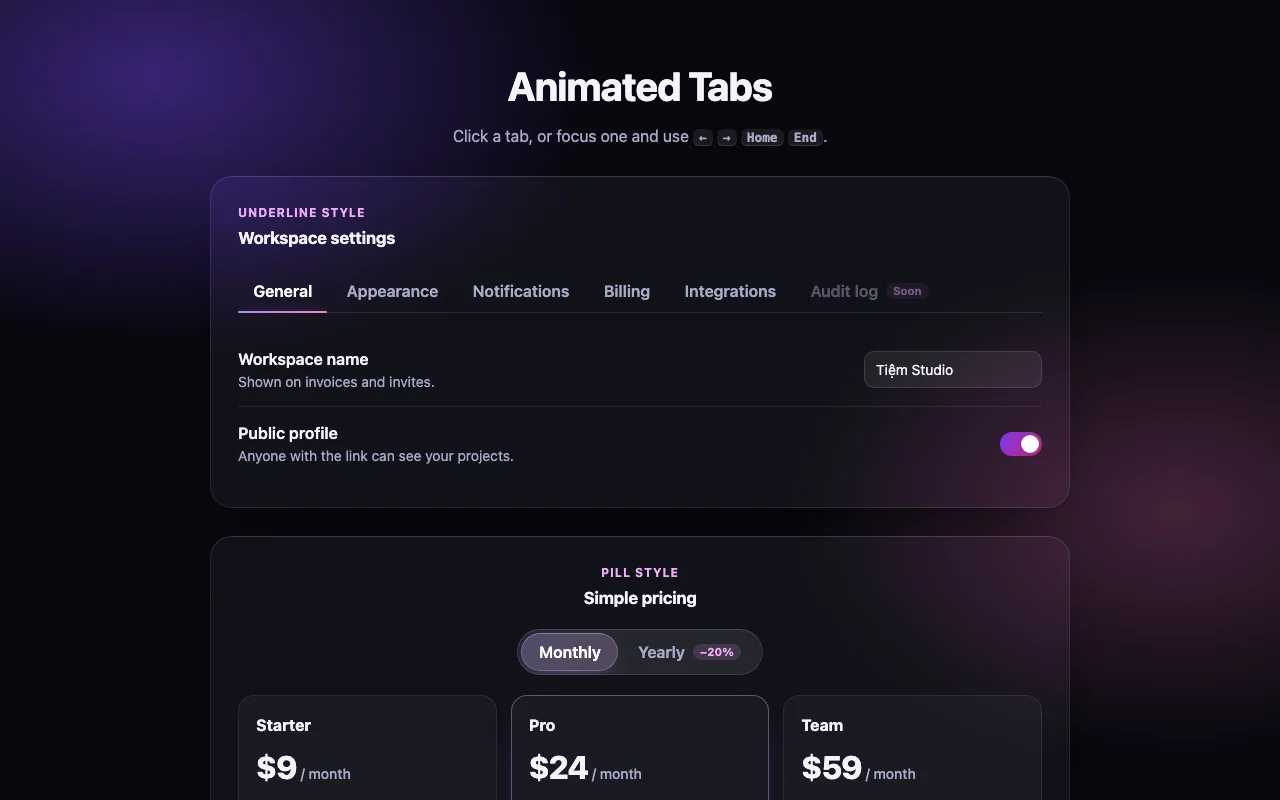
Animated Tabs
Tabs with a glass pill that stretches from tab to tab, and panels that slide the same way
Free