Scramble Text
A hacker-style decode for headlines, links and buttons — characters flicker through glyphs and lock in one by one
.zip · HTML / CSS / JS · v1.0.0
Free — no account, no email. Always the newest version.
Live preview
About
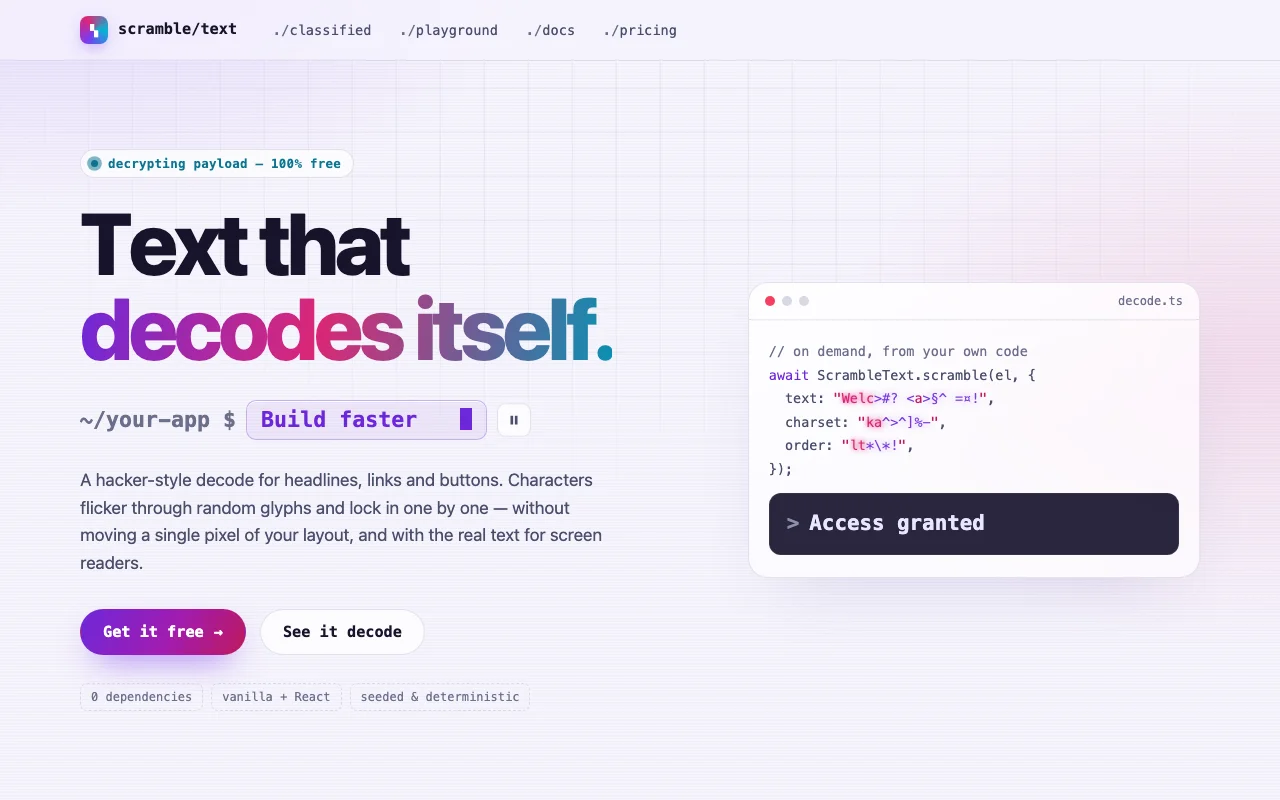
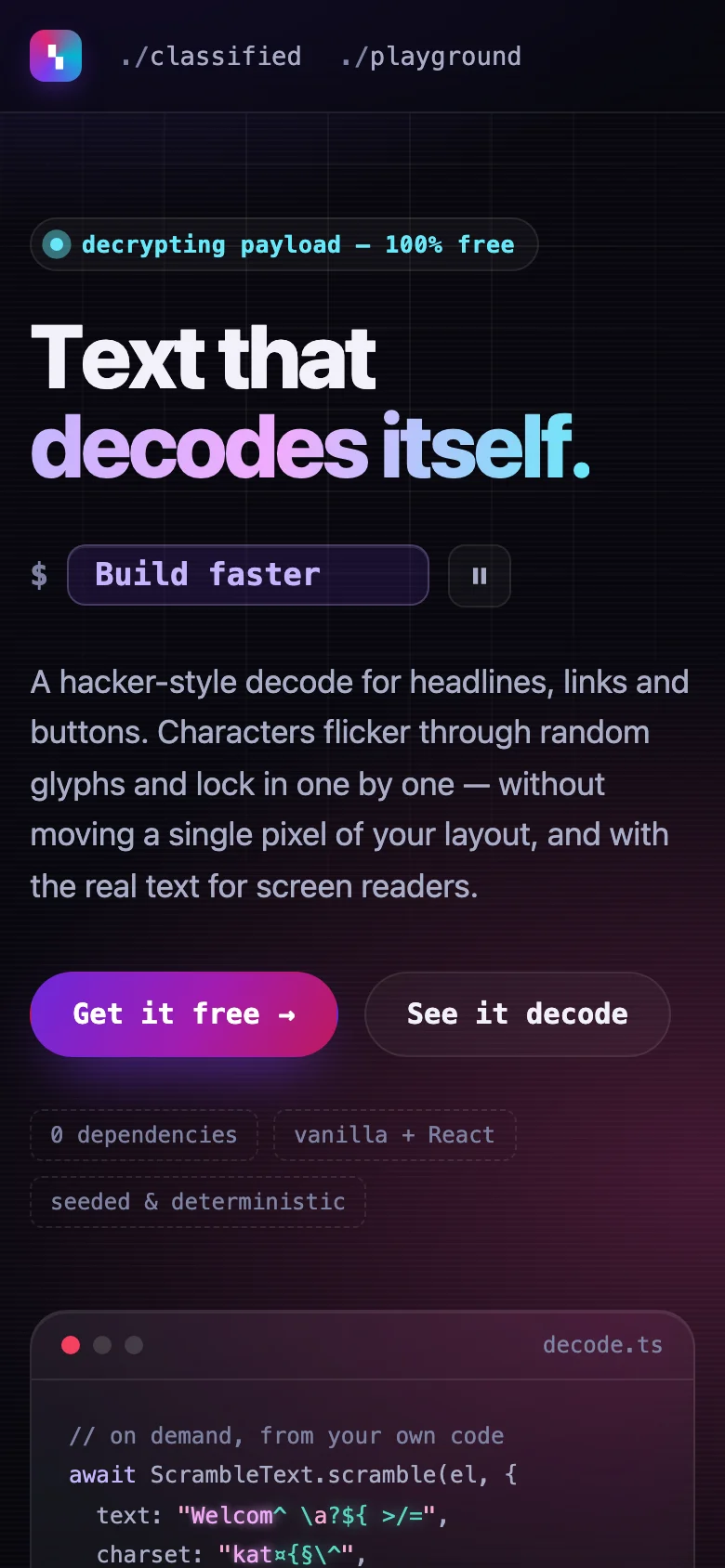
Text that decodes itself. Characters flicker through random glyphs and lock into place one by one, like a terminal cracking a cipher — on a headline as it scrolls into view, on a link as the pointer arrives, or on a status line whenever your code says so. Free, and made to be the most fun line on your page.
- Triggers for every job: reveal, hover / focus, on demand (
await scramble(el, { text })), and rotating phrases that morph from one to the next - Pick the noise: glyphs, binary, hex, katakana, blocks, or your own characters — and the order, speed, stagger and colours
- Your layout never moves: each character keeps its room while the glyph is drawn over it
- Seeded and deterministic, so screenshots, videos and tests come out the same every time
- Screen readers get the real text; reduced motion gets it instantly
- Nothing to install: one CSS file and one small script, or one React file
Features · 10
- Decodes on reveal (once, as it scrolls into view), on hover and focus, or on demand from your code
- Rotating phrases that morph into one another, only the changed letters flickering
- Five charset presets — glyphs, binary, hex, katakana, blocks — or any characters you like
- Four reveal orders: left to right, right to left, random, centre out
- Duration, glyph speed, stagger, delay, highlight colour and a lock flash, all adjustable
- No layout shift: the text holds its final width from the first frame, wrapping included
- Seeded runs: the same seed plays the same scramble, frame for frame
- Spaces (and, if you like, punctuation) stay still; Vietnamese and emoji count as one character
- Plain HTML/CSS/JS and React (Next.js ready) builds, with a useScramble hook
- Zero dependencies, about 5 KB gzipped (script and styles together)
How to use it
Link the stylesheet and the script once, then mark any element holding plain text:
<link rel="stylesheet" href="scramble-text.css" />
<script src="scramble-text.js" defer></script>

<h1 data-scramble>Text that decodes itself</h1>
<a href="/docs" data-scramble="hover" data-scramble-charset="binary">Docs</a>
<span data-scramble-rotate data-scramble-phrases="Build faster | Ship cleaner | Pay nothing">Build faster</span>
data-scramble picks the trigger: empty or reveal decodes the first time the element scrolls
into view (it waits as frozen glyphs until then), hover re-scrambles on every hover and focus — of
the link or button around it, if there is one — and manual waits for you. data-scramble-rotate
morphs from phrase to phrase (| between them) every data-scramble-interval ms (default 2200),
keeping the width of the widest; it pauses while hovered or focused.
Options as data attributes, on either:
| Attribute | Default | What it does |
|---|---|---|
data-scramble-charset |
glyphs |
glyphs, binary, hex, katakana, blocks — or the characters themselves, e.g. ✦✧★ |
data-scramble-order |
ltr |
ltr, rtl, random or center (from the middle out) |
data-scramble-duration |
1000 |
ms from the first character locking to the last |
data-scramble-speed |
45 |
ms between glyph changes (lower flickers faster) |
data-scramble-stagger |
0.85 |
0–1: 1 locks one after another, 0 all at once at the end |
data-scramble-delay |
0 |
ms of pure noise before the first character locks |
data-scramble-seed |
— | Any number or word: the same seed plays the same scramble, frame for frame |
data-scramble-preserve |
space |
space, punctuation (spaces too) or none: what stays still |
data-scramble-mono |
— | Every character the same width, in --scramble-mono-font |
data-scramble-label |
— | What screen readers read instead (rotation: every phrase, by default) |
From your own code:
await ScrambleText.scramble(element, { text: "Access granted", charset: "hex", order: "center" });
ScrambleText.rotator(element).pause(); // or .play(), .next()
scramble decodes any element into new text (or re-scrambles its own), with any option above for
that call only; changedOnly: true scrambles just the characters that differ. It resolves when the
last character locks, and the element fires a bubbling scrambleend event. Elements added after the
page loads: ScrambleText.init(container) — it returns a function that undoes it.
ScrambleText.create(element, options) and ScrambleText.createRotate(element, { phrases }) give
you a controller directly.
Copy ScrambleText.tsx, scramble-text.css and the core folder into your project:
import { ScrambleRotate, ScrambleText, useScramble } from "./ScrambleText";

<ScrambleText as="h1" text="Text that decodes itself" />
<ScrambleText as="a" href="/docs" text="Docs" trigger="hover" charset="binary" />
<ScrambleText text={status} trigger="manual" order="center" />   {/* decodes whenever status changes */}
<ScrambleRotate phrases={["Build faster", "Ship cleaner"]} interval={2400} paused={paused} mono />

function DeployButton() {
  const { ref, scramble } = useScramble({ trigger: "manual", charset: "hex" });
  return <button ref={ref} onClick={() => scramble({ text: "Deployed" })}>Deploy</button>;
}
Every option above is a prop (charset, order, duration, speed, stagger, delay, seed,
preserve, label, mono); as picks the element (span by default) and every other prop goes
to it. The text is rendered on the server too, so the page reads right before any script runs. With
useScramble, keep the element's own text static and change it through scramble({ text }).
React 18 or 19.
The file starts with "use client", so use it from any page or server component. With the App
Router nothing else is needed. With the Pages Router, move the CSS import into pages/_app.
The text keeps your font, size and colour (gradient text works too). Set these on the text, or on
any element around it — a button, a card, :root:
| Property | What it changes |
|---|---|
--scramble-glyph, --scramble-glyph-glow, --scramble-glyph-opacity |
The flickering glyphs: colour, glow, strength |
--scramble-flash, --scramble-flash-duration |
The flash as a character locks |
--scramble-mono-font |
The font of data-scramble-mono / mono |
--scramble-align |
Where a rotating phrase sits in the room of the widest (start, center, end) |
Colours use light-dark(): they follow color-scheme on your page. With prefers-reduced-motion
every scramble is instant — the text simply appears — and rotating phrases swap without one.
Ask about this product
Not sure it fits your project? Ask — the answer comes from this page.
Changelog
1.0.0First releaseLatest
Plain HTML/CSS/JS and React builds of a decode text effect: reveal, hover and on-demand scrambles, rotating phrases, five charset presets, four reveal orders, seeded runs, no layout shift, screen-reader and reduced-motion support.
- Fixes and new features land behind the same download, which always serves the latest version.