Magnetic Button
A call-to-action that leans toward the pointer before it is even clicked
.zip · HTML / CSS / JS · v1.0.0
Free — no account, no email. Always the newest version.
Live preview
About
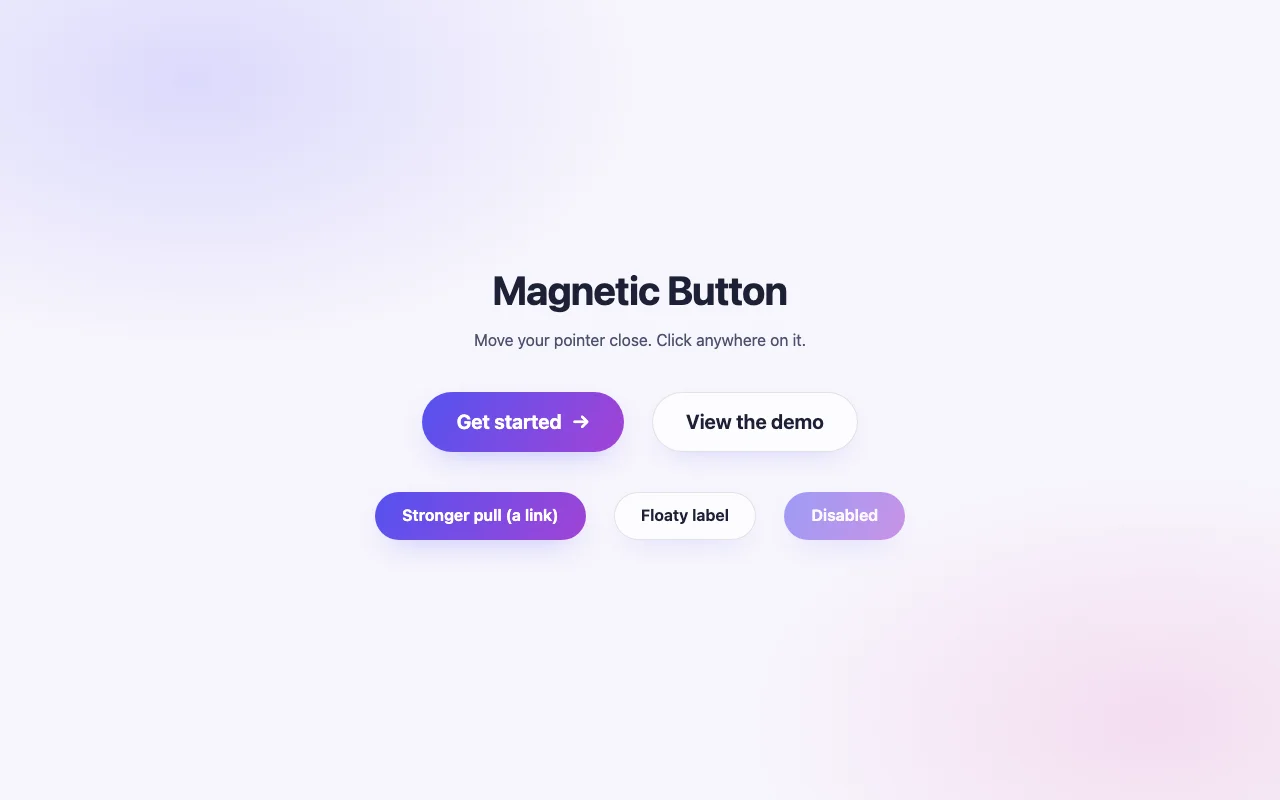
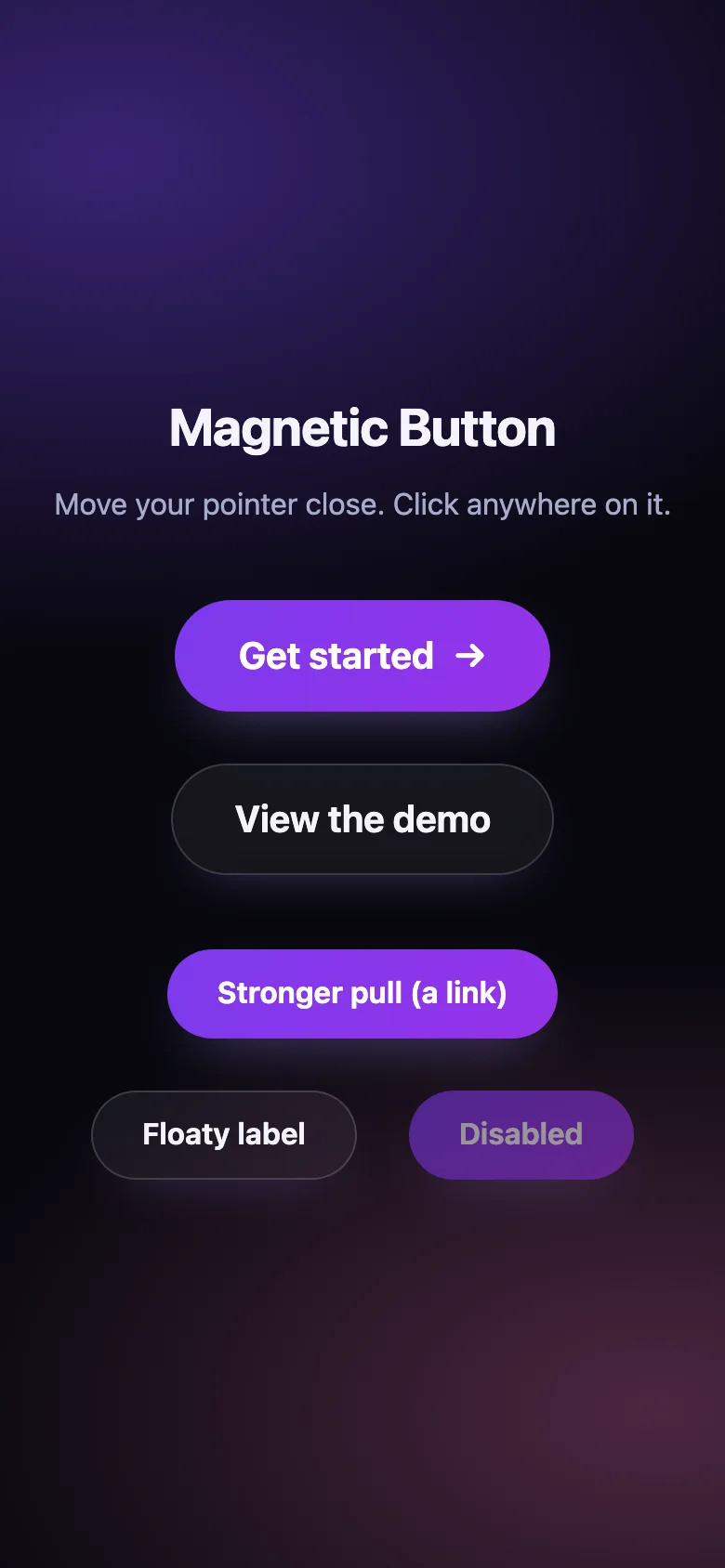
The button you want people to press, made to feel alive. As the pointer comes near, the button leans toward it and its label floats a little further — a tiny bit of physics that draws the eye without shouting. Press it and a ripple spreads from exactly where you clicked.
- Two styles: a gradient call to action and a frosted-glass pill
- Every number is a CSS custom property or an option: pull strength, reach, colours, timing
- The script only writes positions; CSS does the animating, so it stays smooth and cheap
- Nothing to install: one CSS file and one small script, or one React component
Features
- Pulls toward a nearby pointer; the label floats a little further
- Ripple from the exact spot you click, from the centre on Enter / Space
- Gradient and frosted-glass styles, light and dark
- Works on <button> and <a>, any number per page
- Plain HTML/CSS/JS and React (Next.js ready) builds
- Zero dependencies, under 3 KB gzipped
How to use it
Link the stylesheet and the script once, then mark any button or link with data-magnetic:
<link rel="stylesheet" href="magnetic-button.css" />
<script src="magnetic-button.js" defer></script>

<button class="magnetic-button" type="button" data-magnetic>
  <span class="magnetic-button__label">Get started</span>
</button>

<a class="magnetic-button" href="/pricing" data-magnetic data-variant="ghost">
  <span class="magnetic-button__label">See pricing</span>
</a>
Options as data attributes: data-magnetic-strength (default 0.3), data-magnetic-label-strength
(0.2), data-magnetic-radius (48, in px), data-magnetic-max-shift (16, in px — the most a
button moves). Only the button nearest the pointer moves, so buttons side by side never collide.
Buttons added after the page loads:
MagneticButton.init(container) — it returns a function that undoes it.
Copy MagneticButton.tsx, magnetic-button.css and the core folder into your project:
import { MagneticButton } from "./MagneticButton";

<MagneticButton onClick={start}>Get started</MagneticButton>
<MagneticButton variant="ghost" strength={0.45} maxShift={24}>See pricing</MagneticButton>
Every <button> prop works (type, disabled, onClick, aria-*…). React 18 or 19.
The component starts with "use client", so use it from any page or server component. With the
App Router nothing else is needed. With the Pages Router, move the CSS import into pages/_app.
Set these on .magnetic-button (or a class of your own):
| Property | What it changes |
|---|---|
--magnetic-from, --magnetic-via, --magnetic-to |
The gradient |
--magnetic-text, --magnetic-glow, --magnetic-ring |
Text, shadow glow, focus ring |
--magnetic-radius, --magnetic-padding |
Shape and size |
--magnetic-follow, --magnetic-return, --magnetic-ease |
How fast it follows and springs back |
Colours use light-dark(): they follow color-scheme on your page.
Ask about this product
Not sure it fits your project? Ask — the answer comes from this page.
Changelog
1.0.0First releaseLatest
Plain HTML/CSS/JS and React builds. Primary and ghost styles, ripple, keyboard and reduced-motion support.
- Fixes and new features land behind the same download, which always serves the latest version.