Command Palette
A ⌘K command palette that finds any page or action in a few keystrokes
.zip · HTML / CSS / JS · v1.0.0
Free — no account, no email. Always the newest version.
Live preview
About
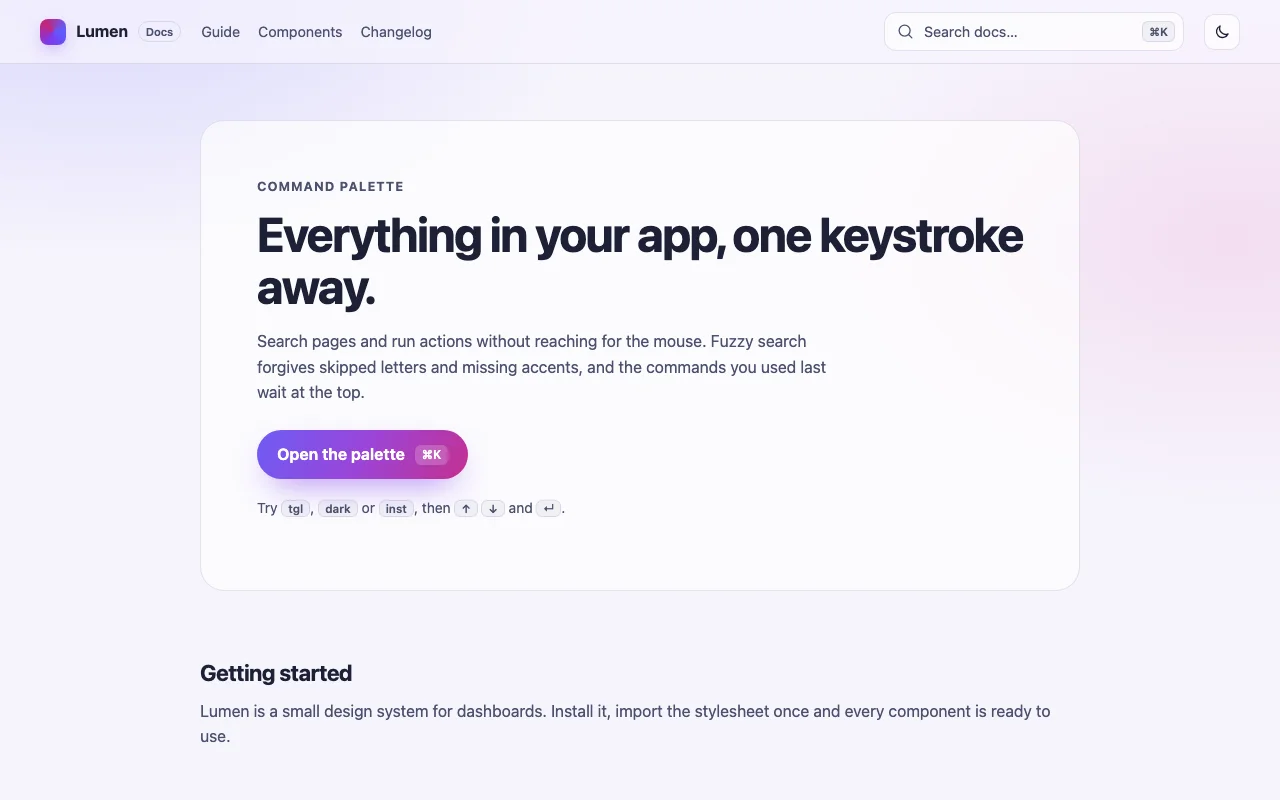
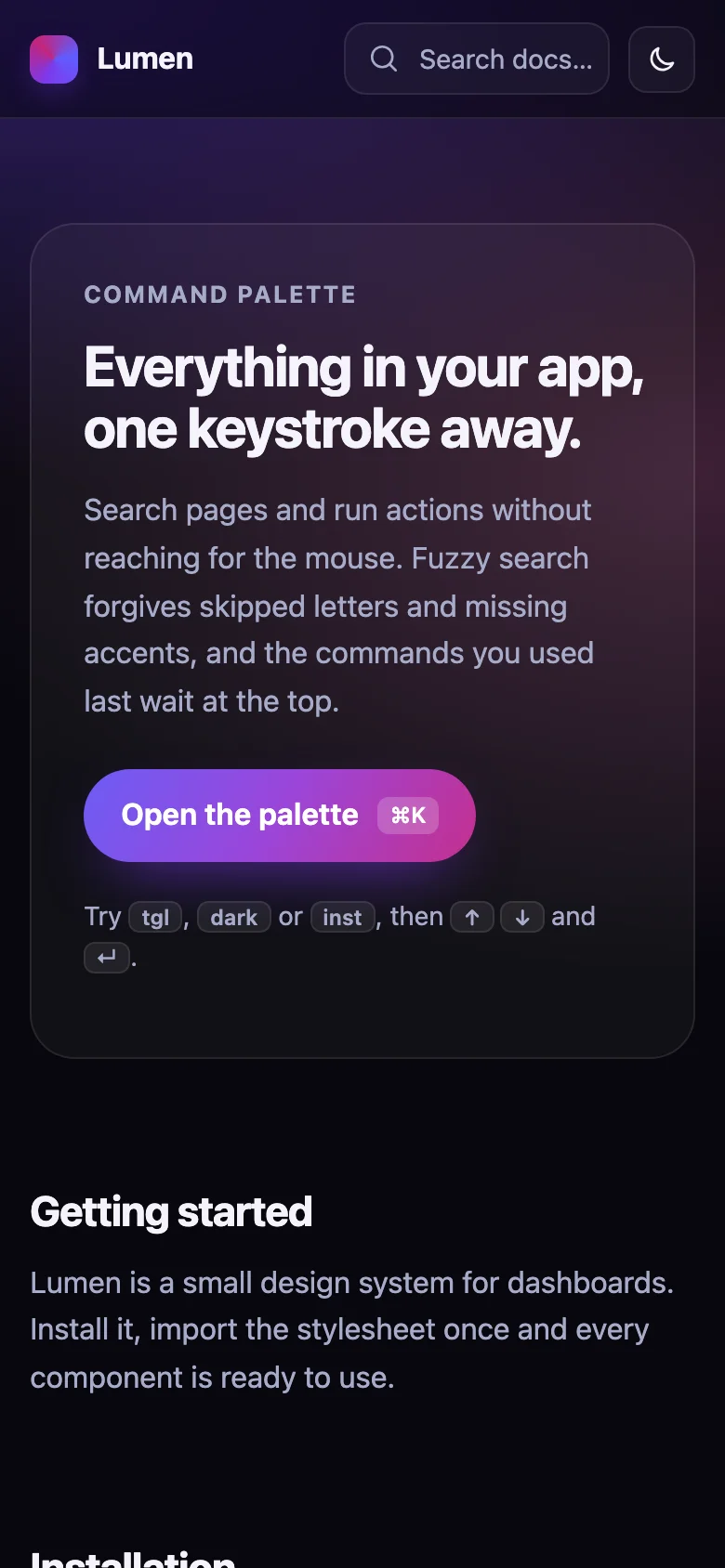
The fastest way around an app is to type what you want. Press ⌘K (Ctrl+K on Windows and Linux) and a frosted-glass panel drops in over a softly blurred page. Start typing: "gs" finds "Go to settings", "tgl" finds "Toggle theme", "cai dat" finds "Cài đặt". Arrow down, press Enter, done — and next time it is waiting at the top under Recent.
- Fuzzy matching that rewards whole words and runs of letters, so the best result comes first
- Commands grouped into sections, each with an optional icon and shortcut hint
- Each command calls a function or opens a link; Next.js and other routers plug in with one option
- Built on the native
<dialog>: focus trap, inert background and Esc for free, no overlay hacks - Every colour, radius and timing is a CSS custom property; light and dark follow your page
- Nothing to install: one CSS file and one small script, or one React component
Features
- Opens with ⌘K / Ctrl+K or any button you mark; Esc or a click outside closes it
- Fuzzy search that forgives skipped letters and accents, with the matched letters highlighted
- Results ranked by how well they match and grouped by section
- Recently run commands on top, remembered across reloads
- Commands run a function or follow a link (your router's, if you like)
- Frosted-glass look in light and dark, themed with CSS custom properties
- Plain HTML/CSS/JS and React (Next.js ready) builds
- Zero dependencies, about 8 KB gzipped (script and styles together)
How to use it
Link the stylesheet and the script once, then give it your commands. It builds its own dialog;
any element with data-command-palette-open opens it, and so does ⌘K / Ctrl+K:
<link rel="stylesheet" href="command-palette.css" />
<script src="command-palette.js" defer></script>

<button type="button" data-command-palette-open>
  Search… <kbd data-command-palette-hotkey>⌘K</kbd>
</button>

<script>
  document.addEventListener("DOMContentLoaded", () => {
    const palette = CommandPalette.create({
      items: [
        { id: "home", title: "Home", section: "Navigation", href: "/" },
        { id: "billing", title: "Billing", section: "Navigation", keywords: ["invoices", "plan"], href: "/billing" },
        { id: "theme", title: "Toggle theme", section: "Actions", icon: "🌓", shortcut: ["T"], perform: toggleTheme },
      ],
    });
  });
</script>
create returns { open, close, toggle, setItems, isOpen, destroy }; setItems swaps the
commands at any time (load them from your API, say). A <kbd data-command-palette-hotkey> is
rewritten to "⌘K" on Apple devices and "Ctrl+K" elsewhere. An icon is text (an emoji) or a DOM
node, such as an <svg> from a <template> — it is cloned for every row.
Options:
| Option | Default | What it does |
|---|---|---|
items |
— | The commands (see below) |
placeholder |
"Type a command or search…" |
Search box placeholder |
hotkey |
"mod+k" |
mod is ⌘ on Apple devices, Ctrl elsewhere; e.g. "ctrl+shift+p", "/"; false for none |
recent |
true |
Recently run commands on top; false, or { key, limit } (localStorage key, default 5) |
trigger |
"[data-command-palette-open]" |
Clicks on anything matching it open the palette; false for none |
navigate |
location.assign |
How an href is followed |
onRun(item) |
— | Called with every command run, before it runs |
onOpenChange(open) |
— | Called when it opens or closes |
texts |
English | Every word it shows or announces, for translation (see core/texts.ts) |
container |
document.body |
Where the dialog is added |
{
  id: "billing",            // unique and stable: "recent" remembers it
  title: "Billing",         // shown and searched
  section: "Navigation",    // group heading (optional)
  keywords: ["invoices"],   // also searched, never shown (optional)
  shortcut: ["G", "B"],     // shown as <kbd> keys — a hint, bind it yourself (optional)
  icon: "💳",               // text or a DOM node; any React node in React (optional)
  href: "/billing",         // followed when there is no perform (optional)
  perform: () => {},        // run when chosen (optional)
}
Running a command closes the palette, remembers it as recent, then calls perform or follows
href.
Copy CommandPalette.tsx, command-palette.css and the core folder into your project:
import { useState } from "react";
import { CommandPalette } from "./CommandPalette";

const items = [
  { id: "home", title: "Home", section: "Navigation", href: "/" },
  { id: "theme", title: "Toggle theme", section: "Actions", icon: <MoonIcon />, perform: toggleTheme },
];

export function Search() {
  const [open, setOpen] = useState(false);
  return (
    <>
      <button type="button" onClick={() => setOpen(true)}>Search… ⌘K</button>
      <CommandPalette items={items} open={open} onOpenChange={setOpen} />
    </>
  );
}
Leave out open and it keeps track itself (defaultOpen to start open); the hotkey works either
way. Every option above is a prop too (placeholder, hotkey, recent, texts, navigate,
onRun), plus className. Keep items stable (useMemo or a module constant) so the list is not
re-ranked on every render. React 18 or 19.
The component starts with "use client", so use it from any page or server component. Pass the
router so links do not reload the page: navigate={router.push} with useRouter() from
next/navigation. With the Pages Router, move the CSS import into pages/_app.
Set these on .command-palette (or a class of your own, via className in React):
| Property | What it changes |
|---|---|
--palette-surface, --palette-border, --palette-blur |
The frosted panel |
--palette-aurora-1, --palette-aurora-2, --palette-glow |
The coloured glows on the panel and its shadow |
--palette-text, --palette-muted |
Text and secondary text |
--palette-accent, --palette-accent-2 |
Matched letters, the search icon, the active marker |
--palette-active, --palette-chip |
Active option and key / icon backgrounds |
--palette-backdrop |
The dimmed page behind |
--palette-width, --palette-top, --palette-max-height |
Size and position |
--palette-radius, --palette-option-radius |
Corners |
--palette-enter, --palette-exit, --palette-ease |
Open and close animation |
Colours use light-dark(): they follow color-scheme on your page.
Ask about this product
Not sure it fits your project? Ask — the answer comes from this page.
Changelog
1.0.0First releaseLatest
Plain HTML/CSS/JS and React builds. ⌘K / Ctrl+K hotkey, fuzzy search with highlights, sections, recent commands, full keyboard and screen-reader support, light and dark.
- Fixes and new features land behind the same download, which always serves the latest version.